
Simply the best maze studio… ever!
Make anything into a beautiful maze


Ride the first wave! Be first to market with gorgeous niched maze books.
Mazes are about to make a comeback in a MASSIVE way. These maze books look like nothing that has come before. Because there has NEVER been a tool that makes mazes like this.
These are the kind of books that were exclusive to big name publishers with access to expensive designers. The kind of beautiful, detailed giftable books that can sell for $18.99, $22.99 or even more. And now they're available to you.
Tangent Maze Studio is about to change EVERYTHING because it can make ANYTHING into a solvable, beautiful maze. And our built-in book and cover creator means you have everything you need to make a full color, stunning book (with solutions included) and get it published on Amazon…. TODAY!
Yes, you get resell rights to everything you create.
(And no, ChatGPT can't make these! So you're going to be first to market with these stunning books that are super-nichable!)
We WANT you to make money and we want to make it easy for you!
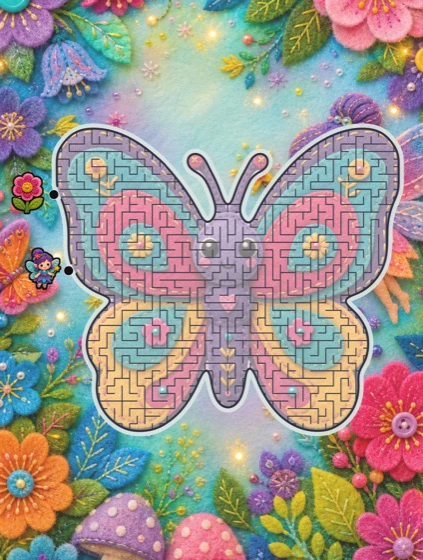
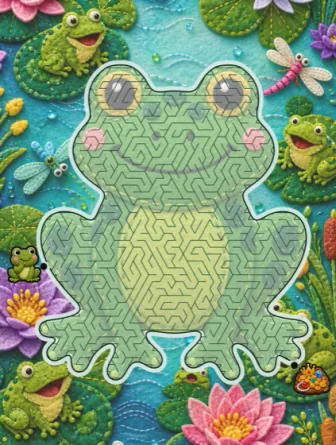
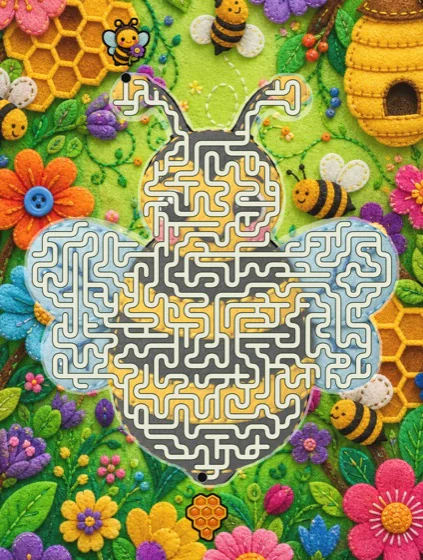
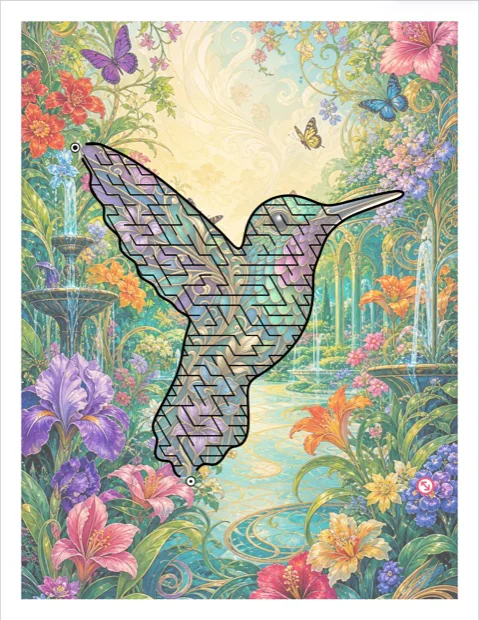
Three pages from one Magical Garden book, made in the studio
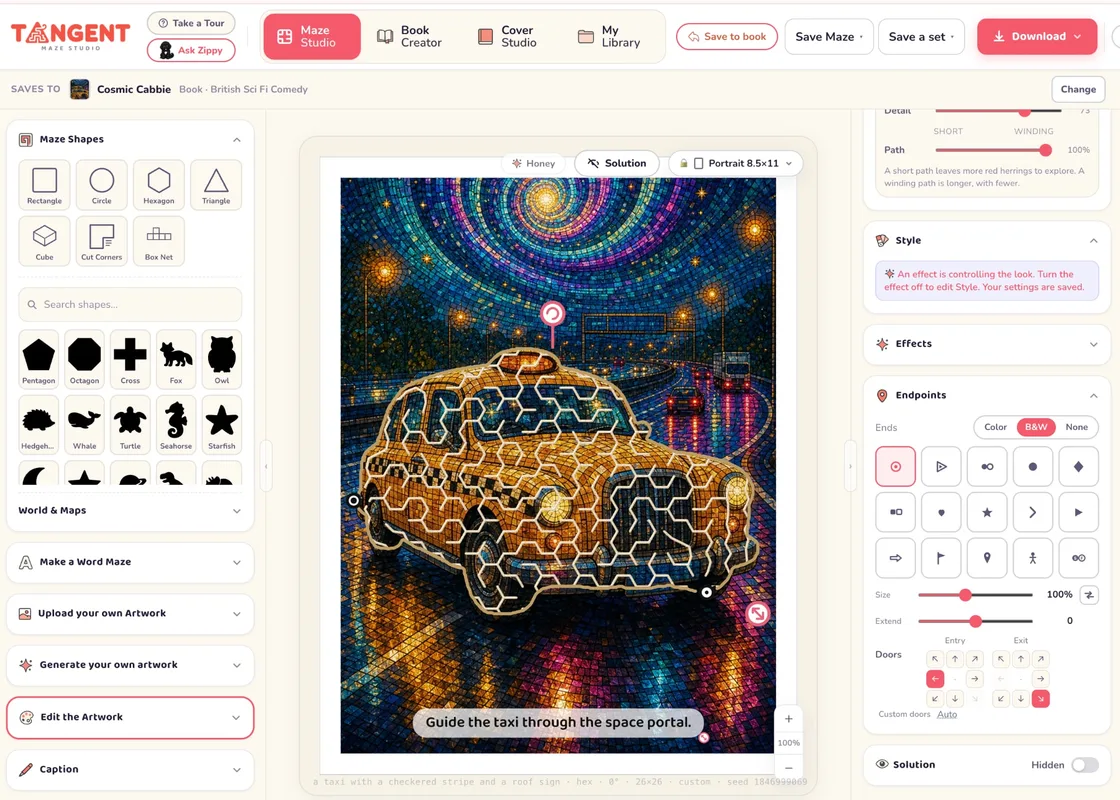
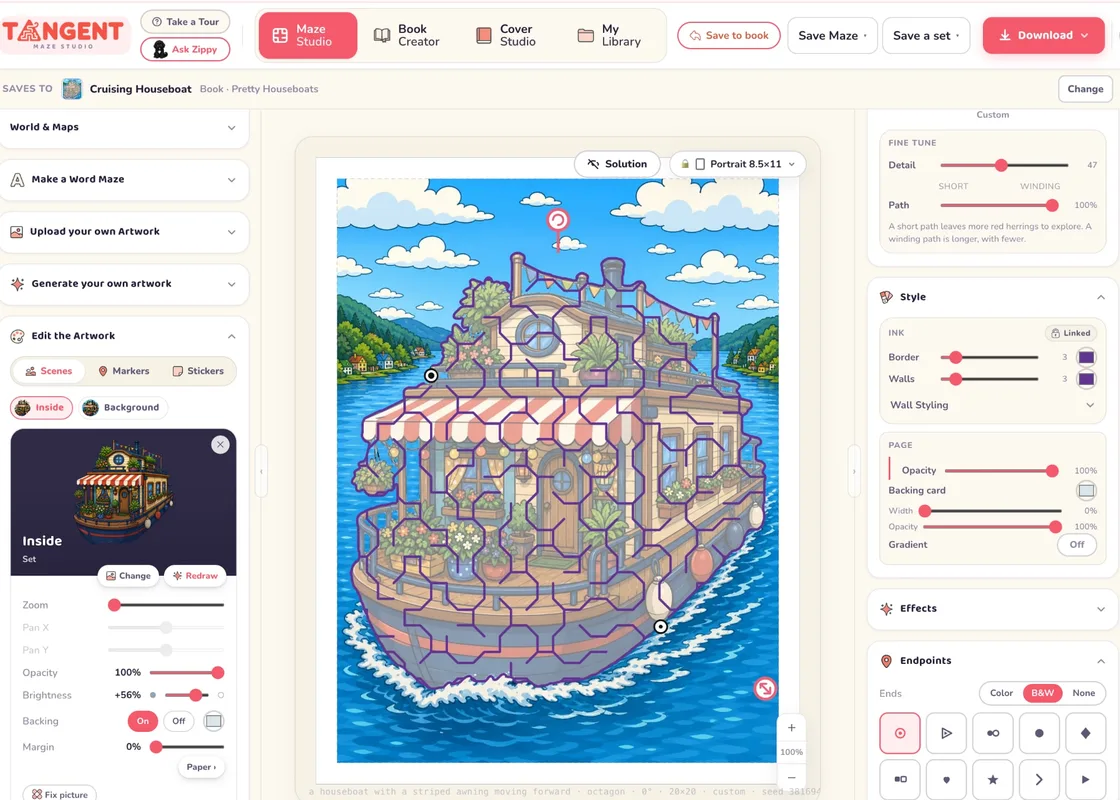
Unlimited Maze and Book Creation with 2,000 shapes and artwork from our library
Or use your credits to generate new shapes and unique, consistent artwork for your book!
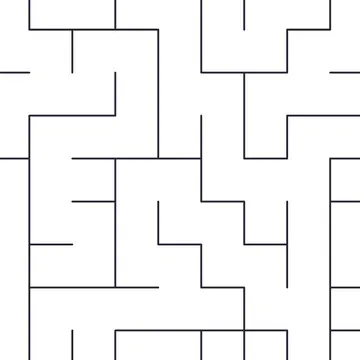
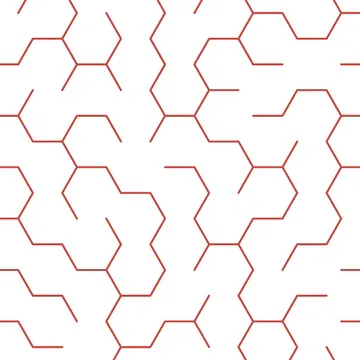
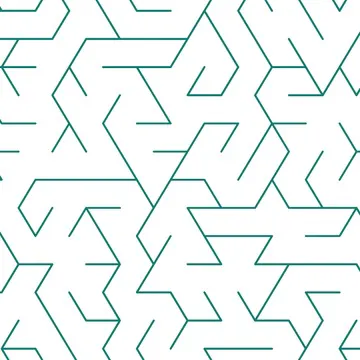
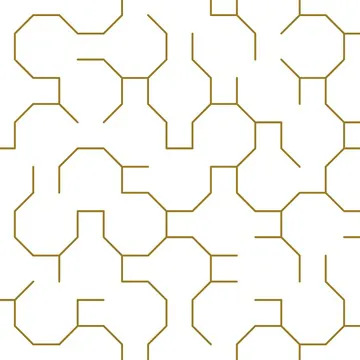
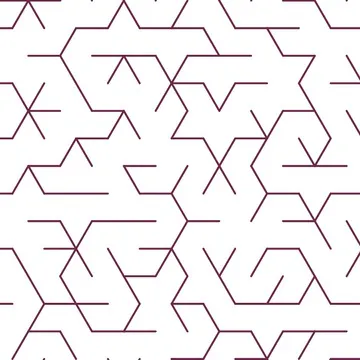
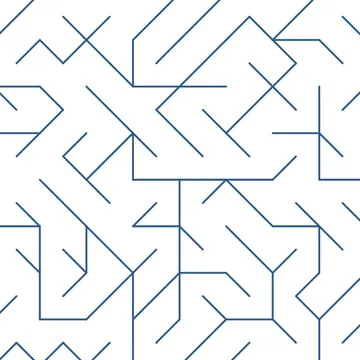
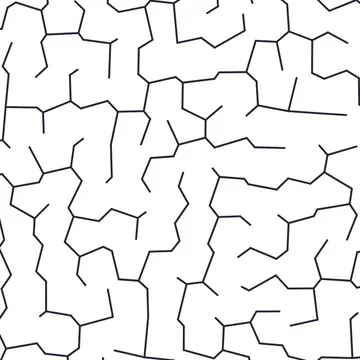
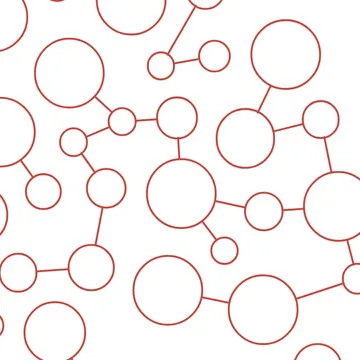
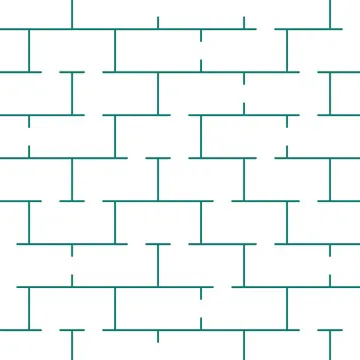
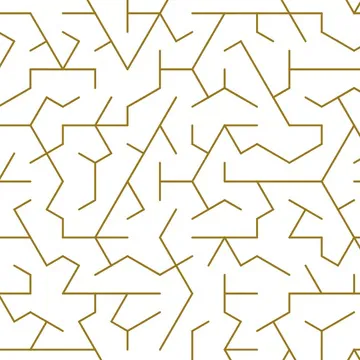
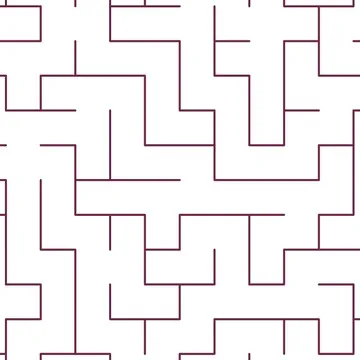
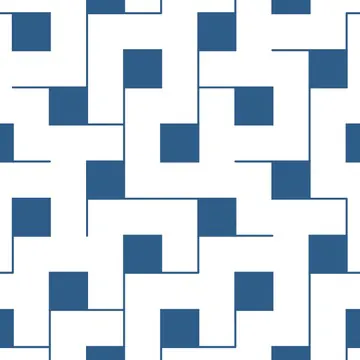
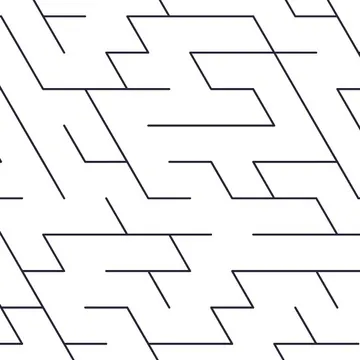
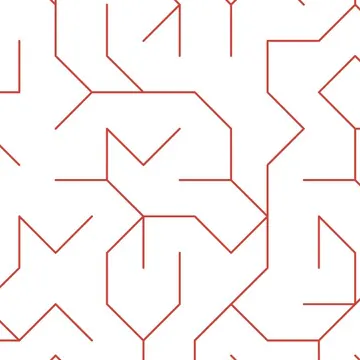
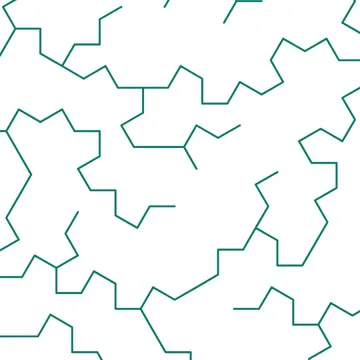
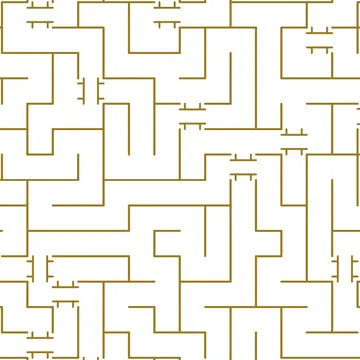
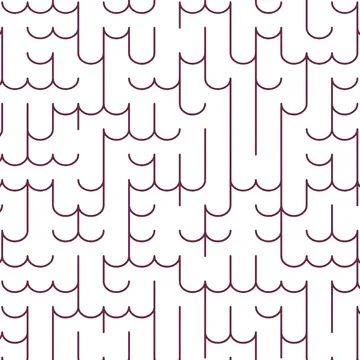
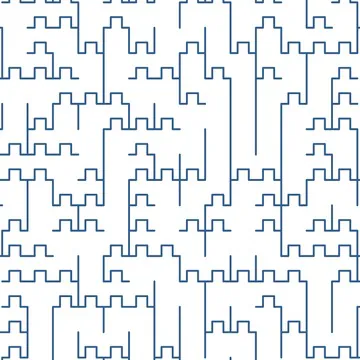
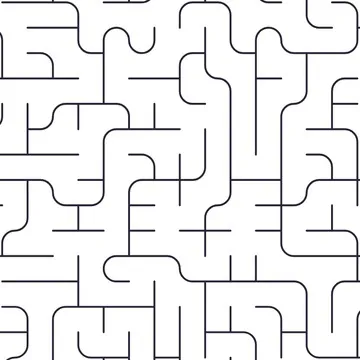
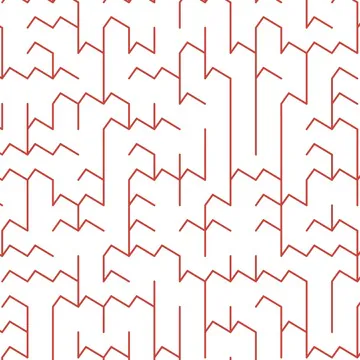
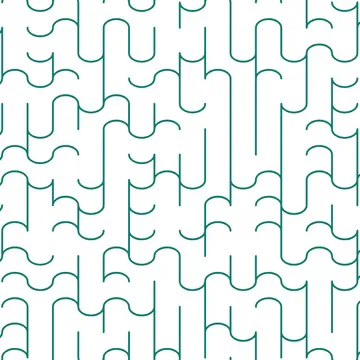
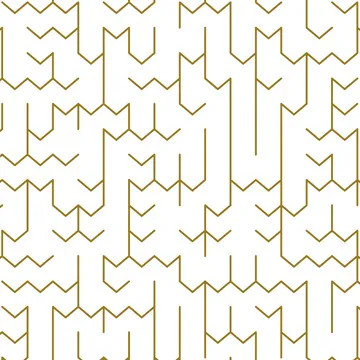
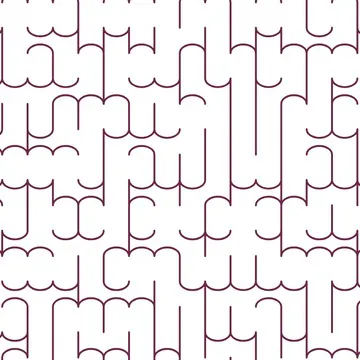
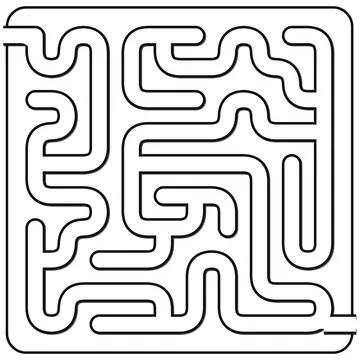
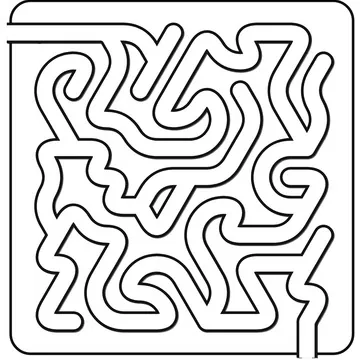
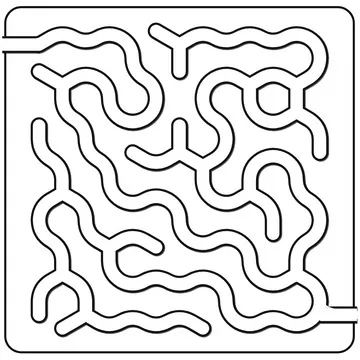
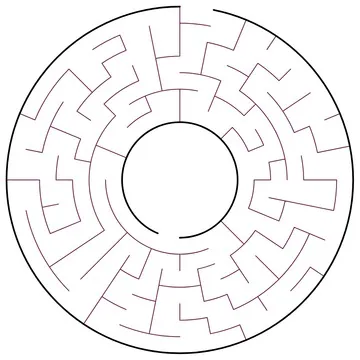
20+ Maze fills and styles, plus pipe mazes, infinite shapes and a world of art effects for hedge mazes, luxe gradients and much more!
Watch Katharyne’s video…
Explore the whole studio, covers and book creator with Katharyne. Watch all the way through or pick a chapter!

All-in-one beautiful maze book studio with full cover creator built in. From idea to PDF in minutes.
Maze Studio is for you if...
- You publish on KDP and want to be first to market with professional, stunning and niched books that stand out from the crowd.
- You sell on Etsy or Teachers Pay Teachers and need printables that stand out from the crowd and are uncopyable.
- You want to offer personalized mazes with pictures and words.
- You love making beautiful things and want the joy of publishing without the stressful fiddly parts.
- You've never made a book in your life. That can change right now: be a published author tomorrow!
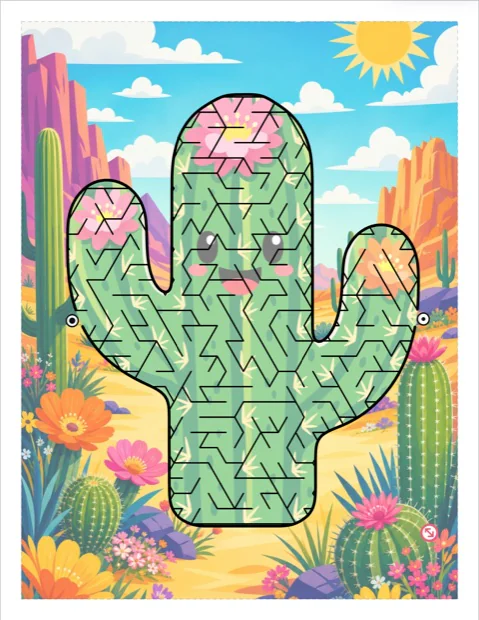
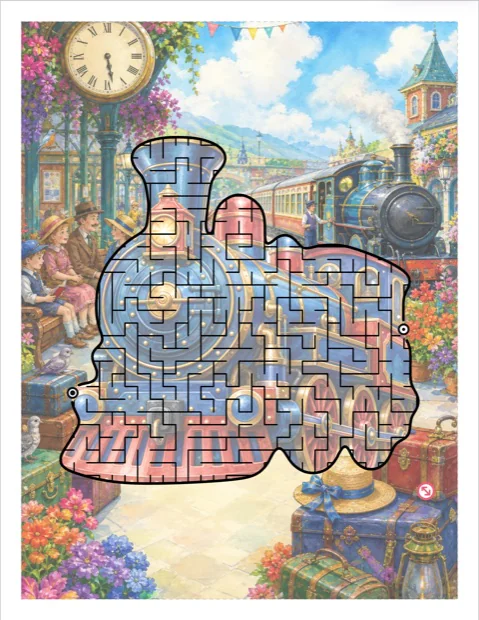
Everything you need to create a book.
Build from hundreds of library images and design a cover with our templates, or use our built-in, super-easy AI, with its transparent credit system, to design your artwork and a matching state of the art cover, ready to upload to KDP. No fiddling with “bring your own” keys or battling with tricky prompts.
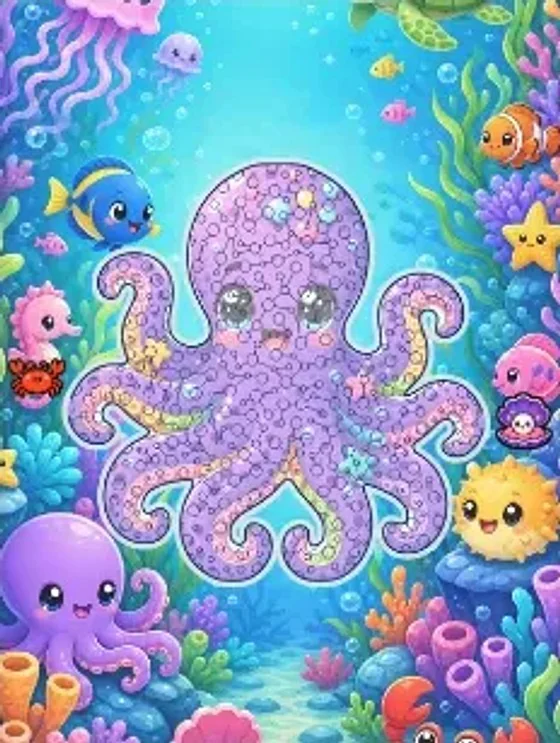
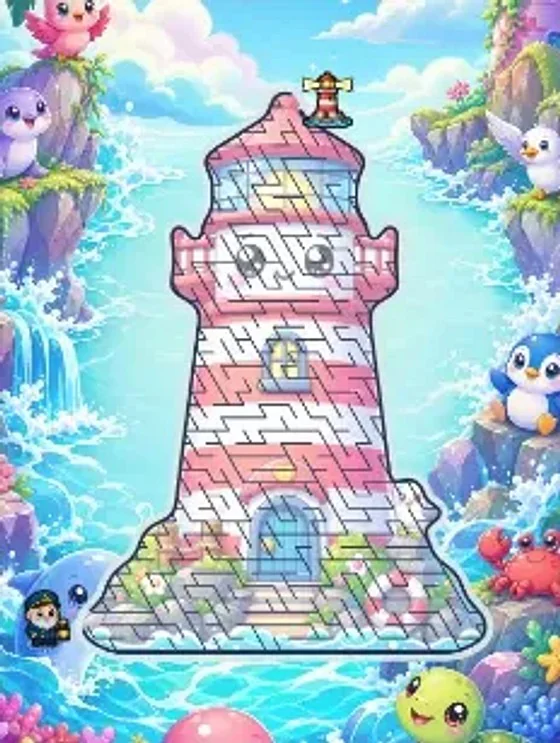
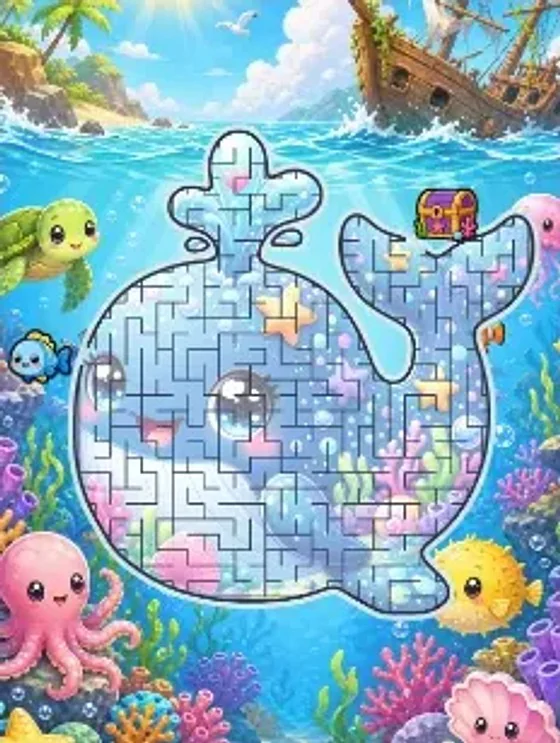
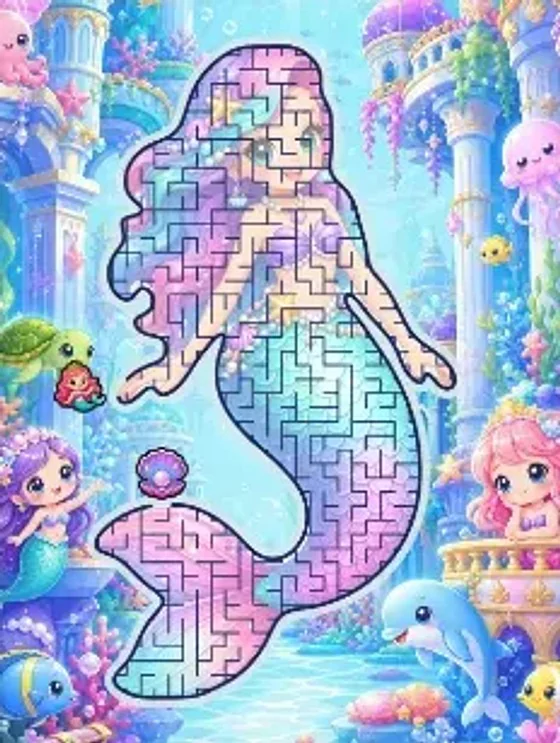
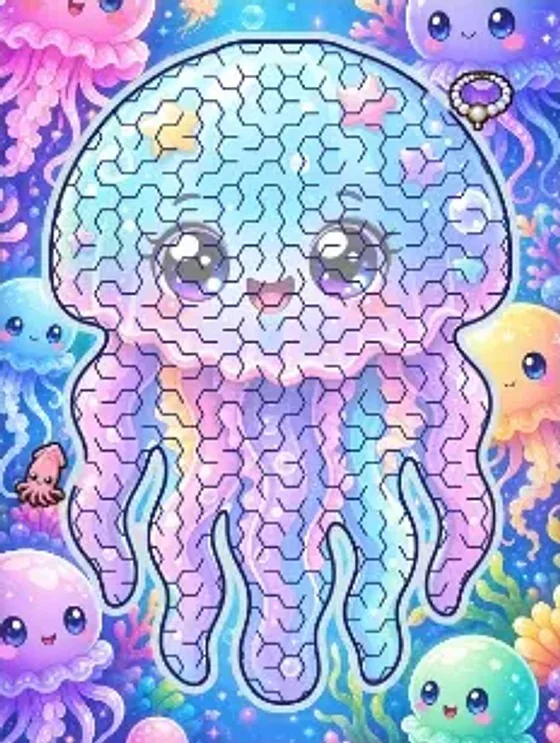
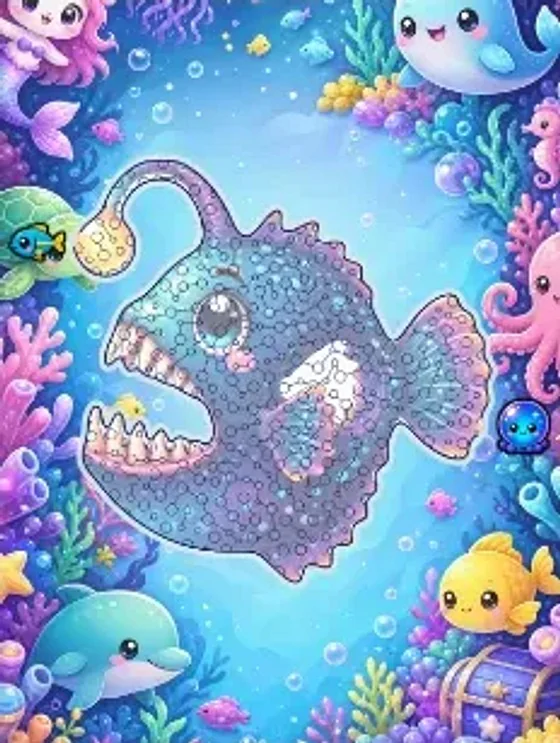
Example pages from a published KDP book, made entirely with the Tangent Maze Studio Book Creator.
Here's the whole book, browse through it!
Your artwork options
Take it from the Library
Our library includes thousands of searchable shapes, sceneries and markers, custom built for Maze Studio.
- 2,000+ shapes: animals, vehicles, letters, holidays, countries
- 1,000+ scenes and backdrops, color and black & white, from storybook watercolors to dense coloring worlds
- 800+ marker and character pairs to help your maze tell a story
- 45+ sticker packs to decorate your maze or use as trails
Create Unique, Consistent Artwork
Our transparent credits-based system allows you to generate consistent artwork in a style you love, suitable for adults and children. Artwork you generate is exclusively yours to use forever.
- Your book gets its own look. Each page is consistent, with coordinated, beautiful scenery and optional markers
- Black and white or color. Create full color artwork, or colorable and greyscale books
- Fine tune. Color pickers for borders and walls, art effects, endpoints and fill styles, for a signature look
- 500 credits are included: a fully illustrated page is just 3 credits, so that is 5 illustrated 30-page books with credits to spare
Use your own artwork
Ideal for KDP and Etsy! Upload your own artwork, photographs or illustrations. Perfect for creating personalized mazes to sell on Etsy or include in greeting cards and gifts. And if you like to use Midjourney, you can save a batch of similarly-styled images and convert them into a stunning book for KDP. You can also turn your hand drawn art into shaped mazes!
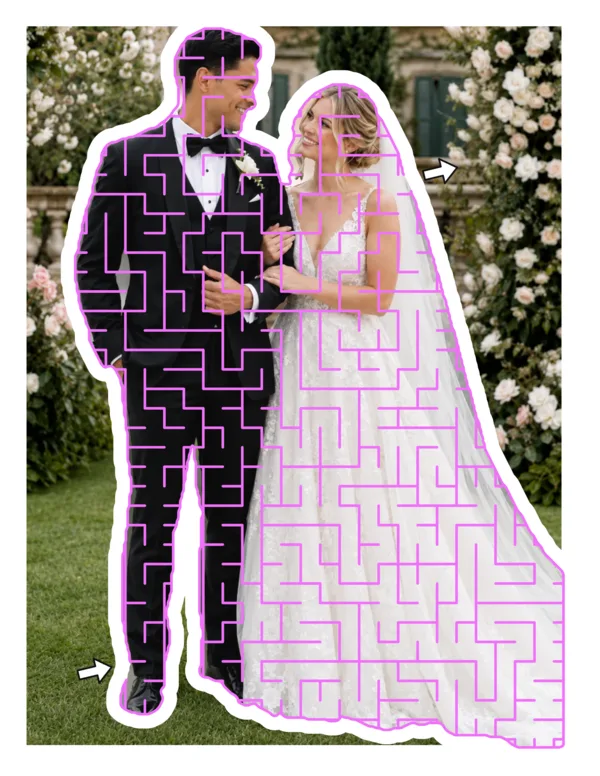
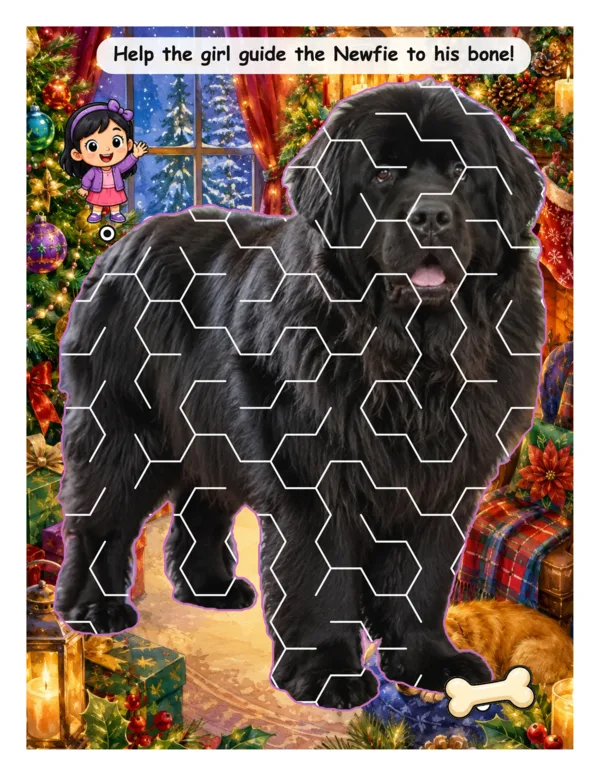
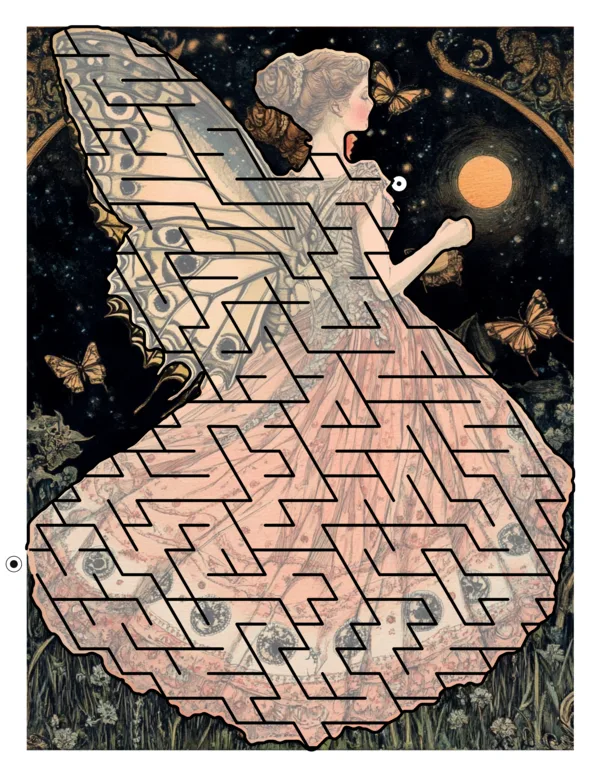
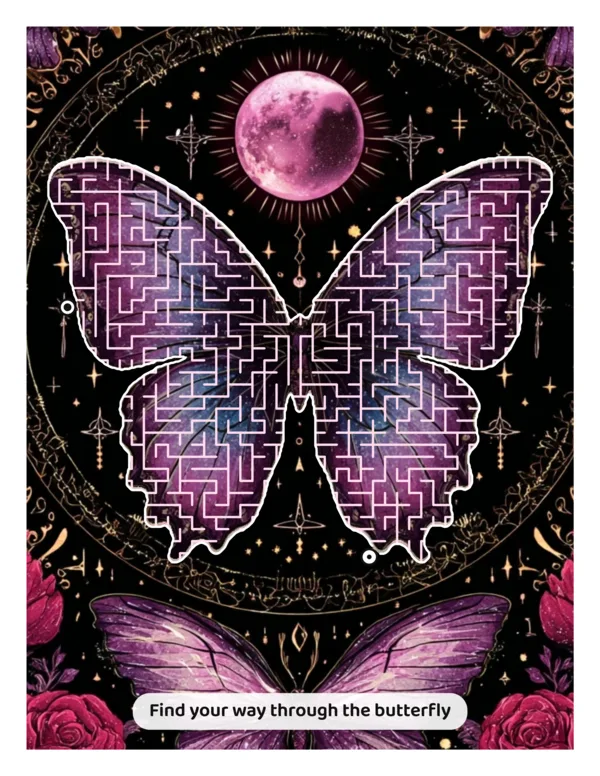


Generate word puzzles like this in seconds
More than 200 distinctive art styles to choose from
When you choose to generate artwork with our built-in AI, you can pick from over 200 stunning art styles: colorful storybook styles for children, photographic and cinematic shoots, and a wide range of illustrative, cultural and holiday looks. Your book will be uniquely yours and every page you generate will be original. No prompting needed, other than a topic.
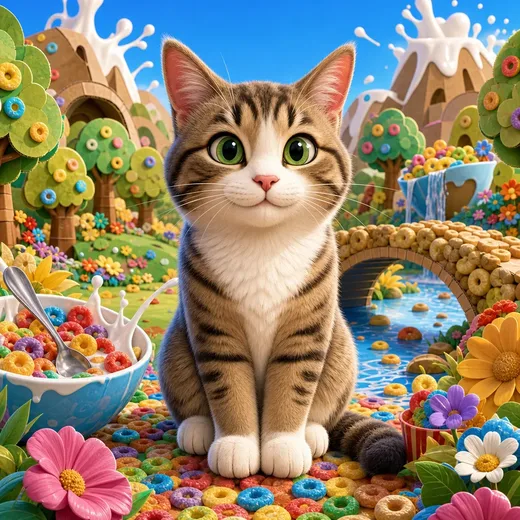
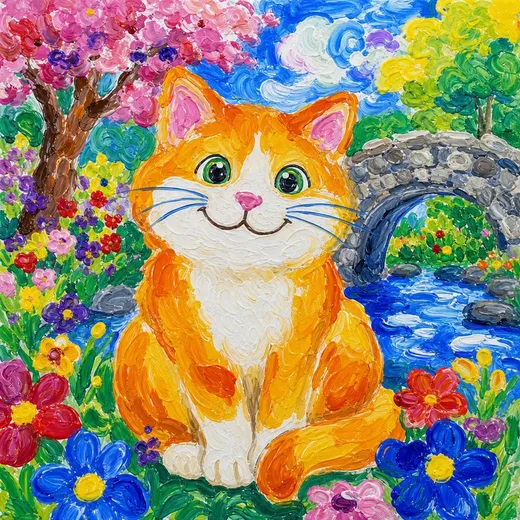
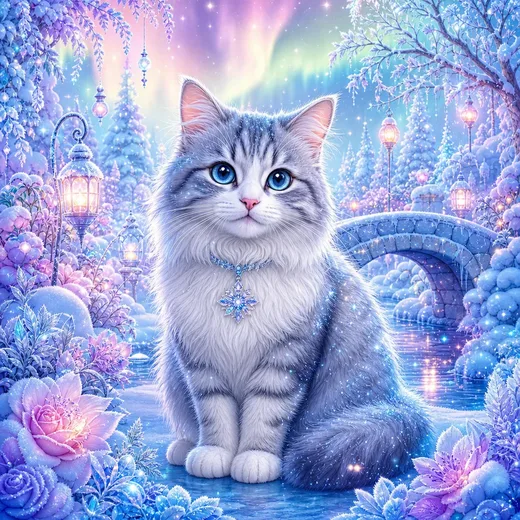
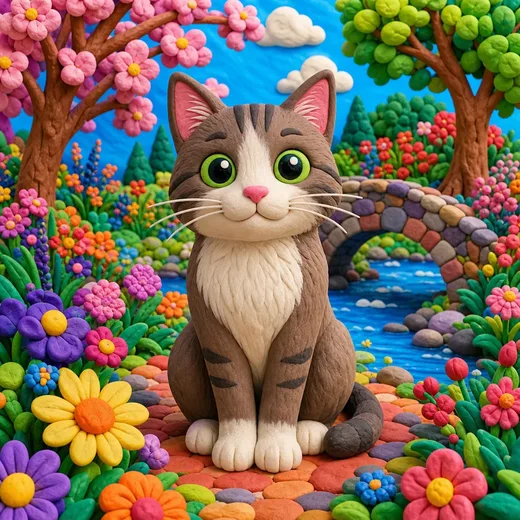
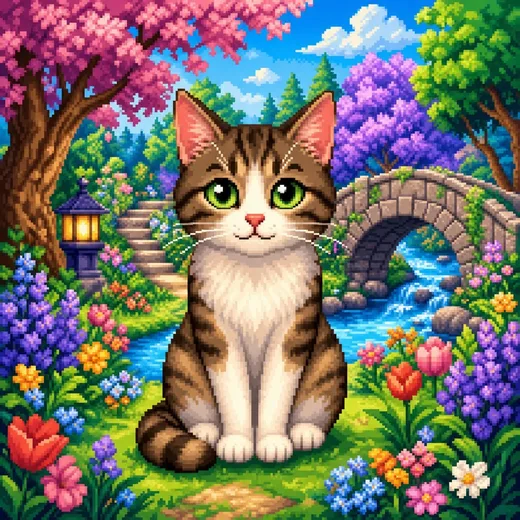
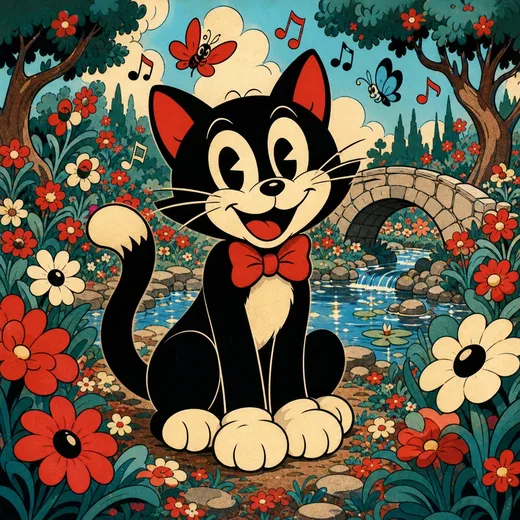
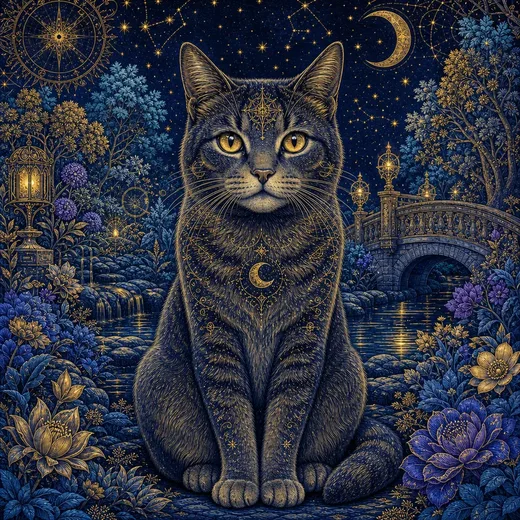
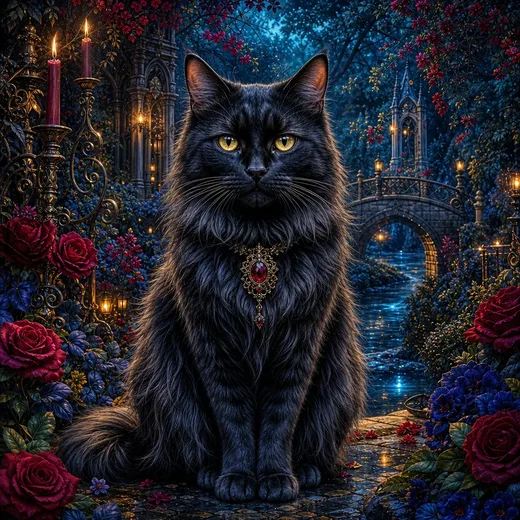
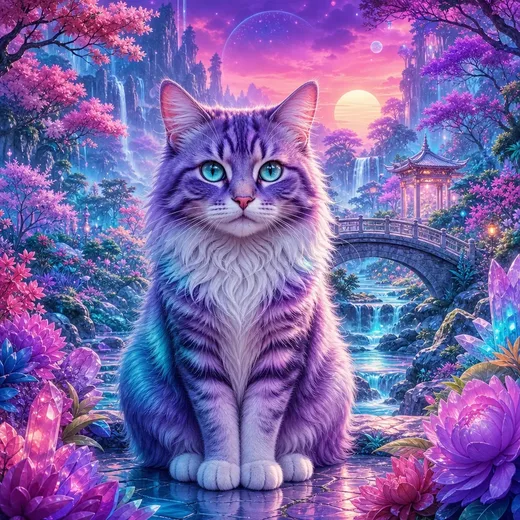
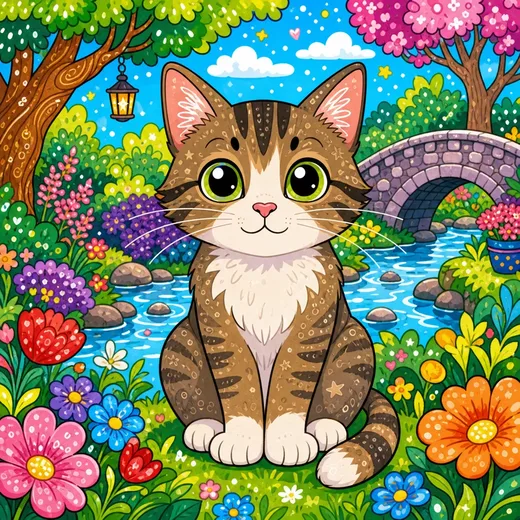
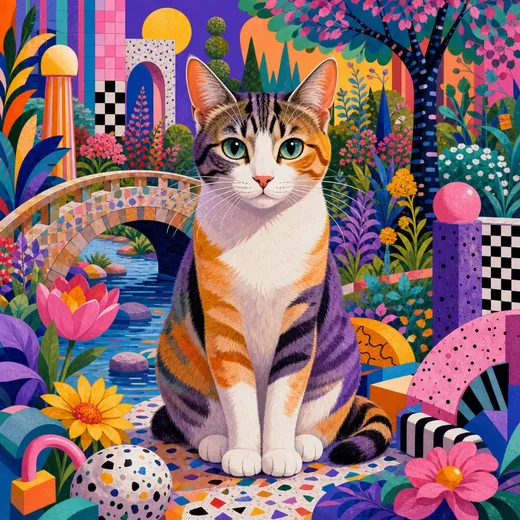
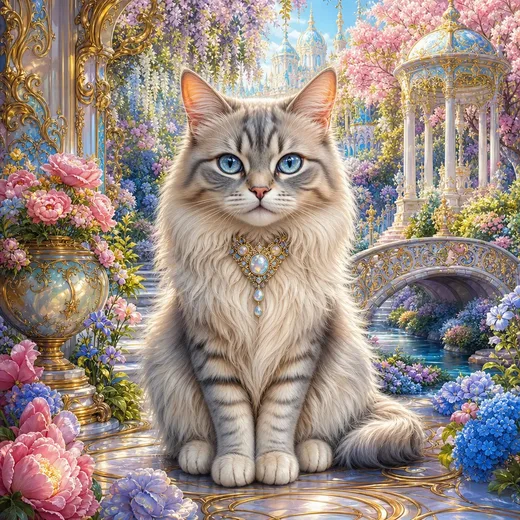
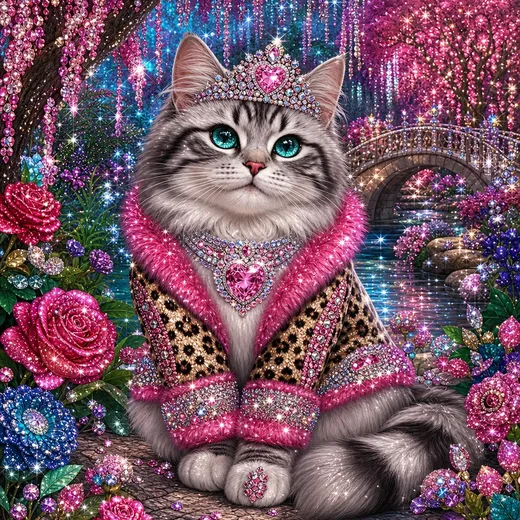
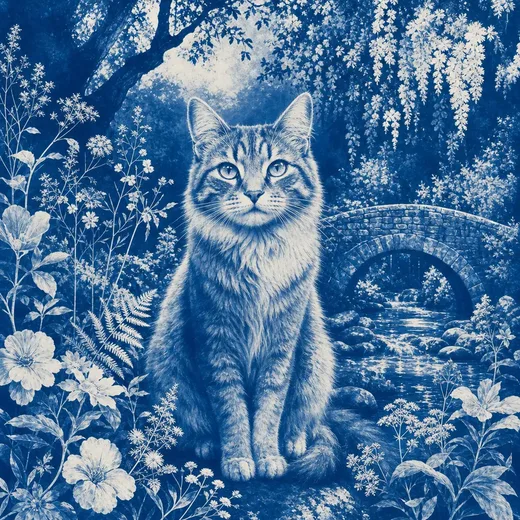
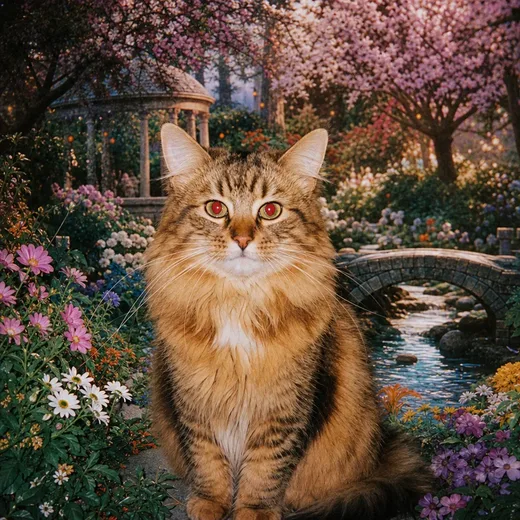
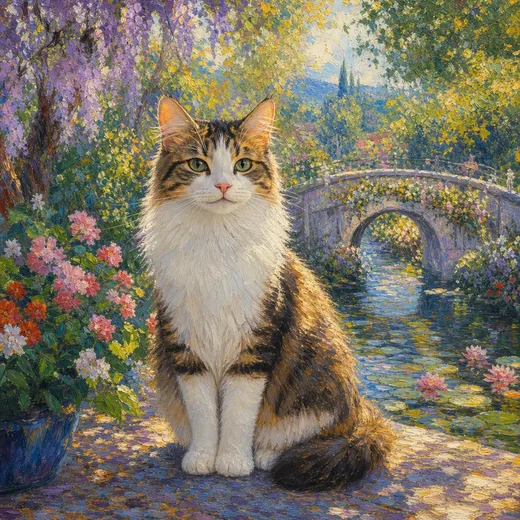
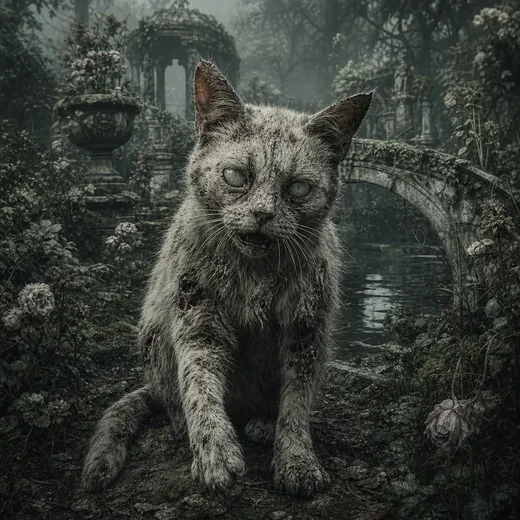
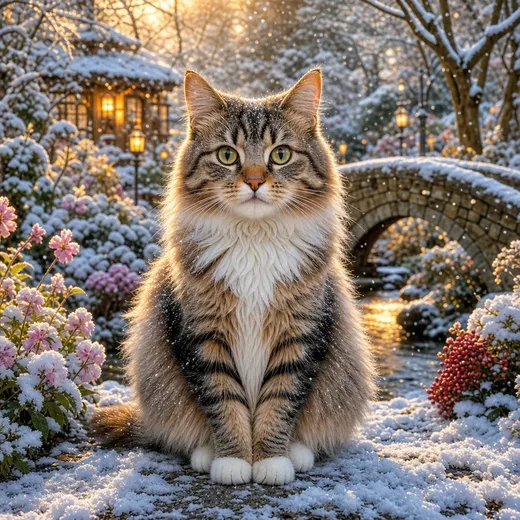
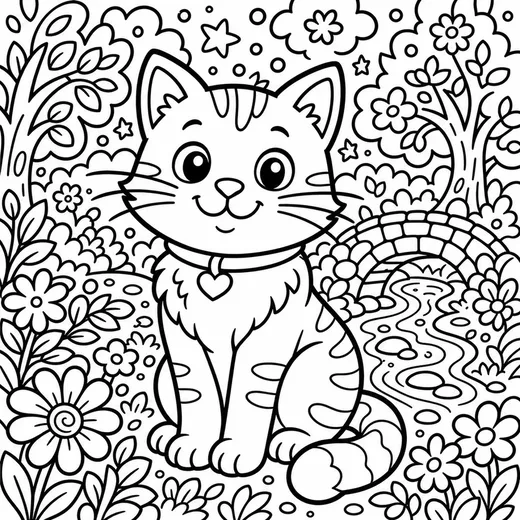
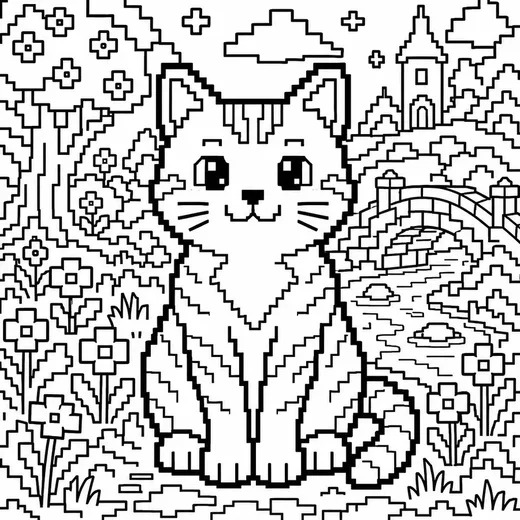
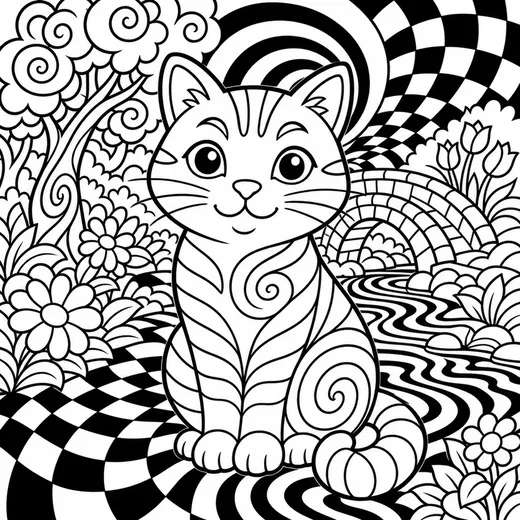
Twenty-one of more than two hundred, for kids' books and grown-up puzzle books, in color and in print-ready black & white.
Whoosh to the stars with Shaped Mazes
Our library includes 2,000 shapes for you to use freely. Fill them with any one of our 20+ maze fill styles, then fine tune the colors and styling.
For something special and unique, you can upload your own artwork, or use credits with our built-in AI to generate any shape you can imagine, and optionally fill it with beautiful, quality images. You can even create a full scene for it, with stickers and markers to match. Perfect for KDP, as your generated art is made just for you!
By the way, the actual mazes? They're NOT AI, they're algorithmically created and tuned for optimal results at a variety of difficulty levels.

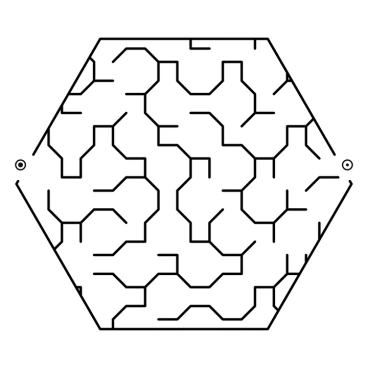

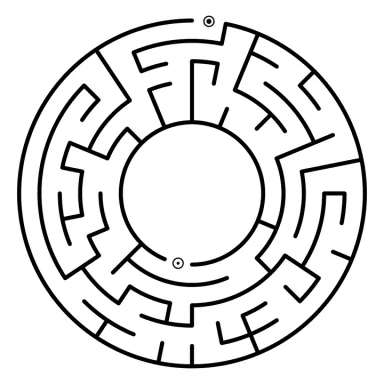

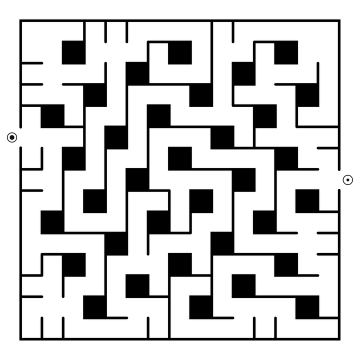

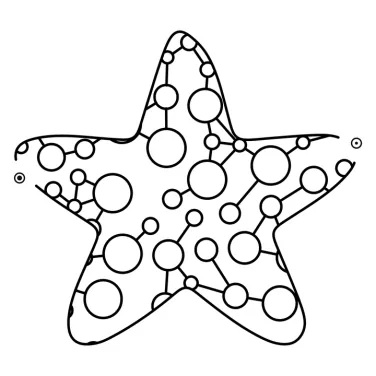


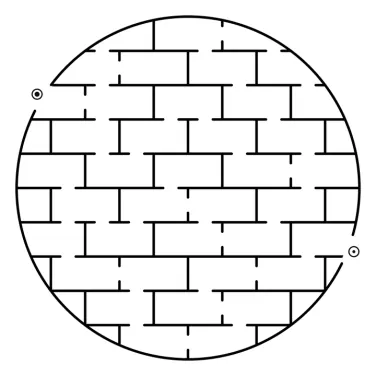

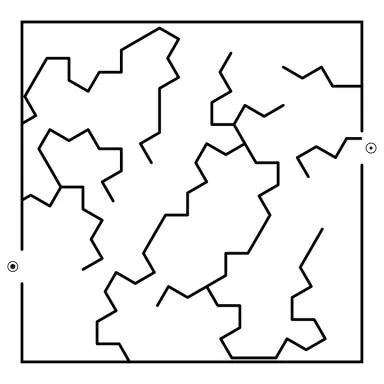

Tangent Maze Studio is different. REALLY different.
We solved the computational geometry problems that keep math scholars up at night. That is a fancy way of saying: never before has there been software that lets you fill ANY shape imaginable with over twenty different and creative fill and wall styles, including bubbles, brick and even weaving tunnels! Six preset difficulty settings run from Baby and Easy (perfect for little children, or for older adults who prefer large print) to Extreme for ardent maze fiends, or dial in your own custom settings. And yes: even the pipe mazes take any shape you can imagine.
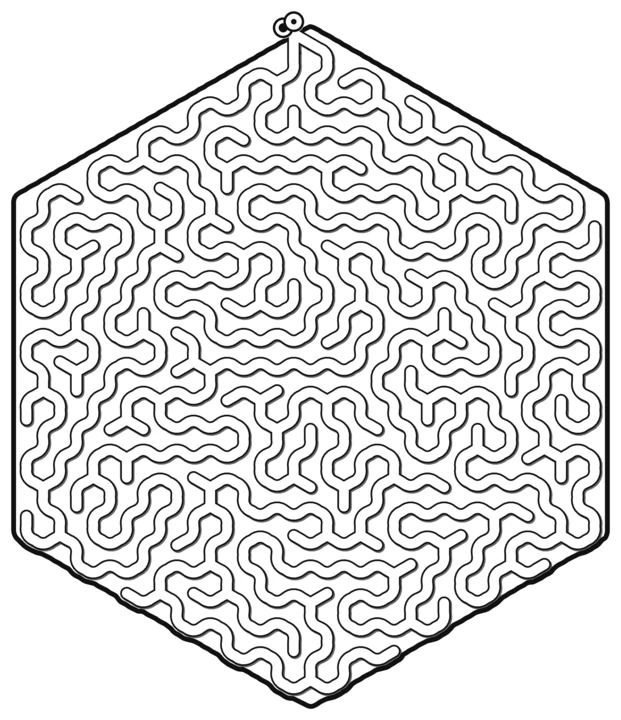
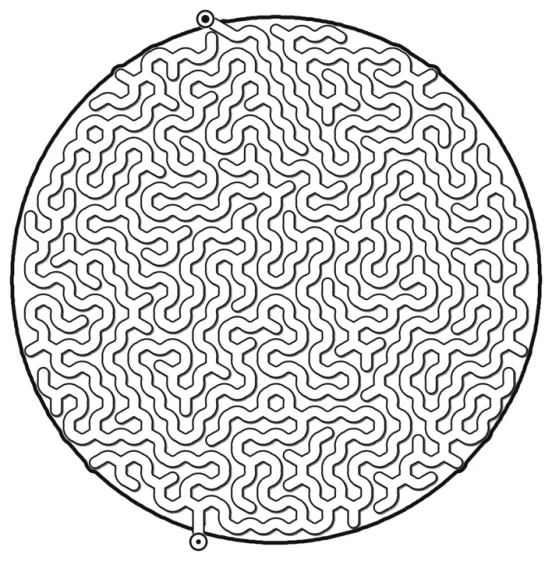
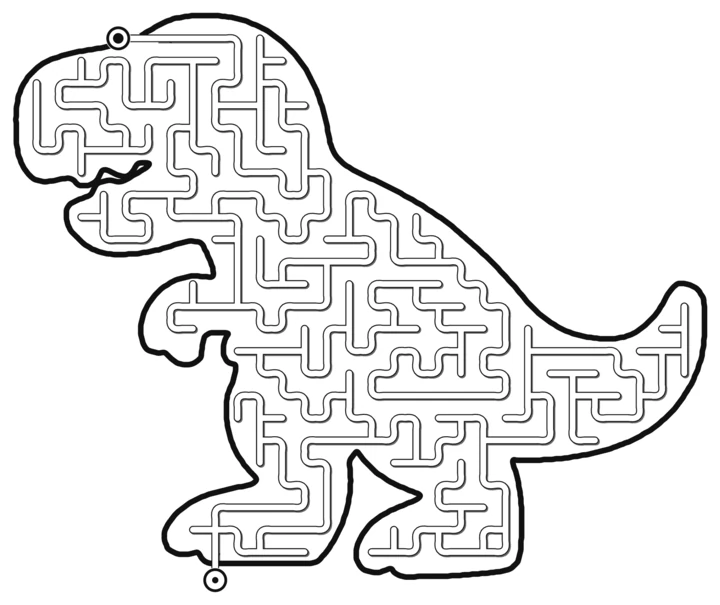

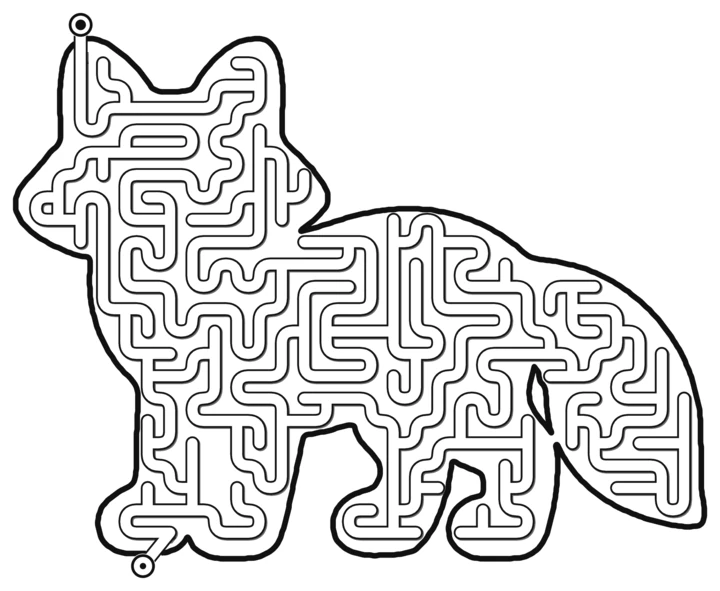
Radial and Cutout Mazes
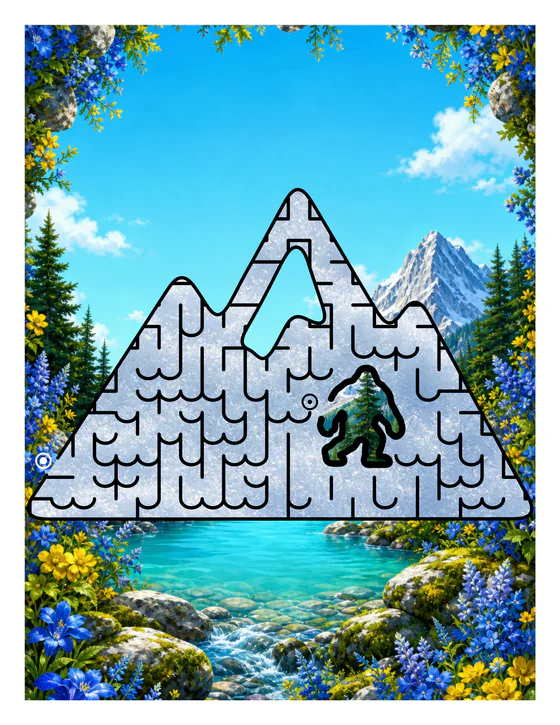
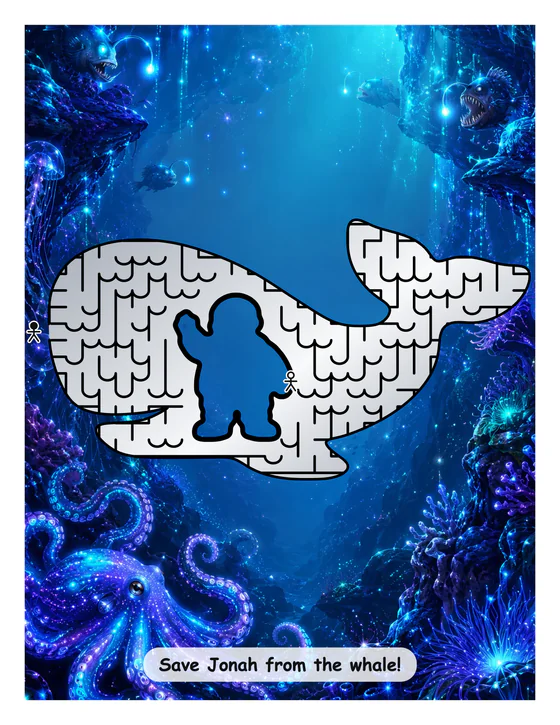
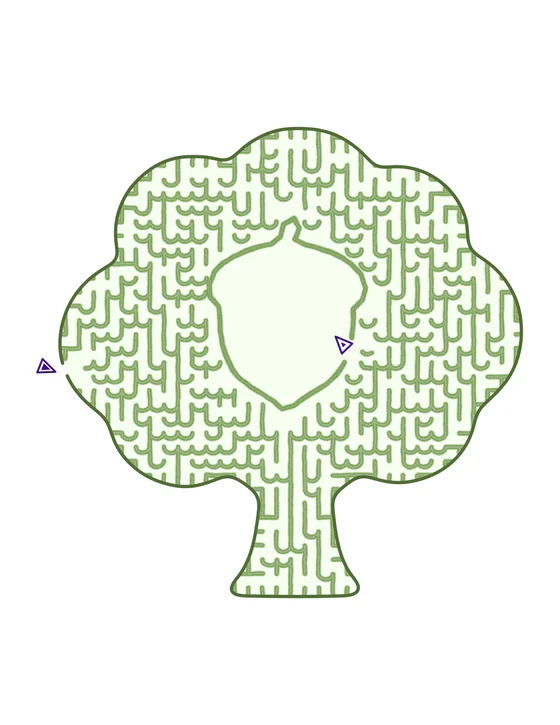
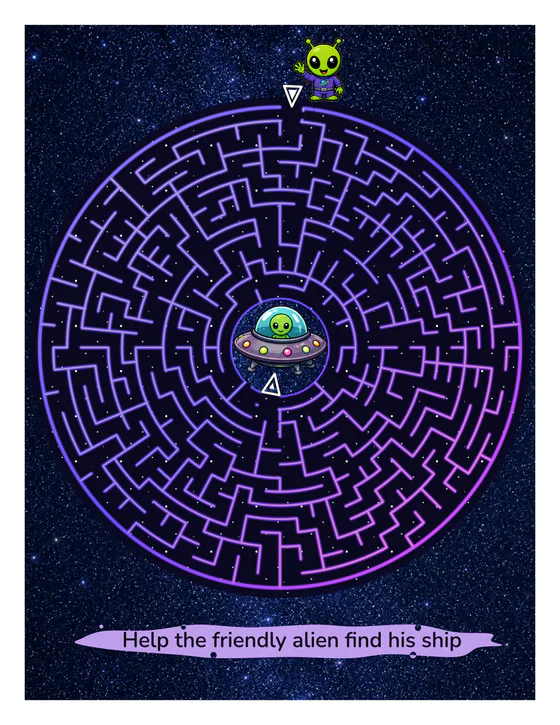
Cutouts tell a story
With Maze Studio, each maze can be a story. Radial mazes are circular mazes where the character finds their way to the middle of the maze, or alternatively, escapes from the middle.
Maze Studio expands that a little further, so that you can cutout any shape in the middle of any maze. Get creative and cut out an apple on a tree, or a yeti in a mountain, and you can add marker stickers and captions to tell the story you want!
You can also cut out any corners in a square maze to create space for the artwork.
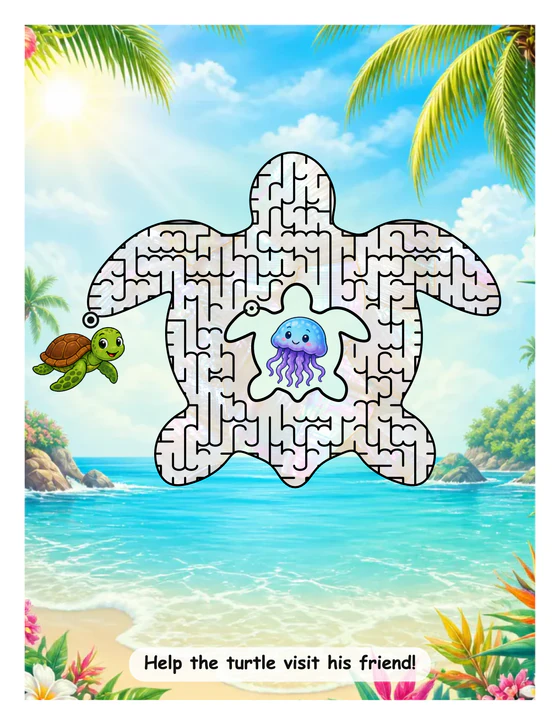
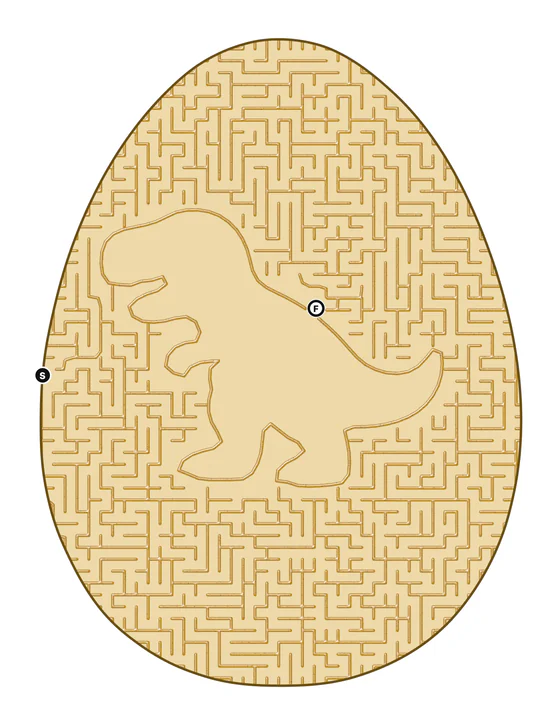
Building a book is simple with our All In One Book Creator
Here is where it all comes together. Four friendly steps: Setup, Plan pages, Your book, Export. Lay out every page on cards, then watch your book literally draw itself while it narrates its progress (this part never gets old!). Export a print-ready PDF with every fiddly KDP detail already handled: trim sizes, binding gutter, table of contents, a "How to Solve" page, answer keys at the back. Need a tweak? Any page pops open in the full Studio and your edits flow back into the book.
Building your book is an easy four step process.
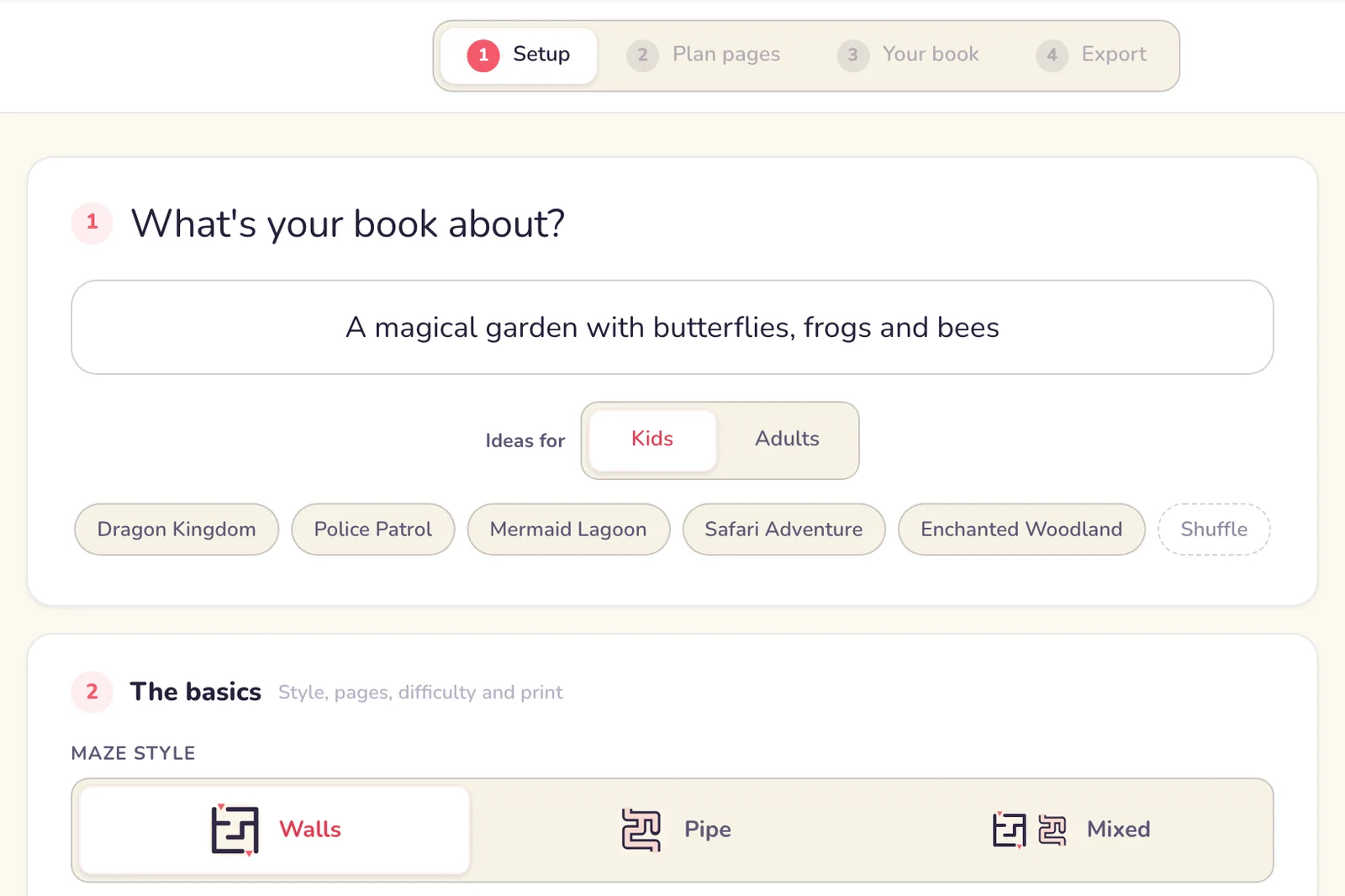
Describe your topic in a few words (fairies, firefighters, frogs in hats) or take one of our suggestions. Then a few simple choices: wall or pipe mazes, how hard they should be, and the fun part, an art style from the gallery so the whole book looks of a piece. Or several styles, to mix it up.
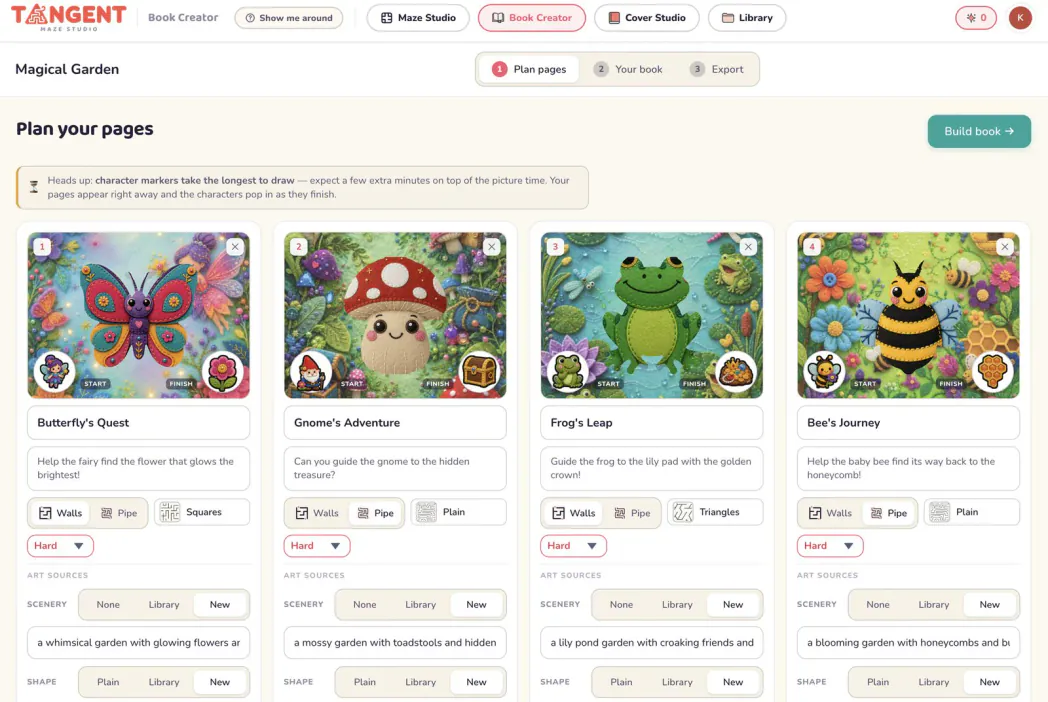
The studio is spookily astute. With your theme in mind it picks a topic for every page and suggests a caption to go with it. Edit anything you like, before a single page is generated.
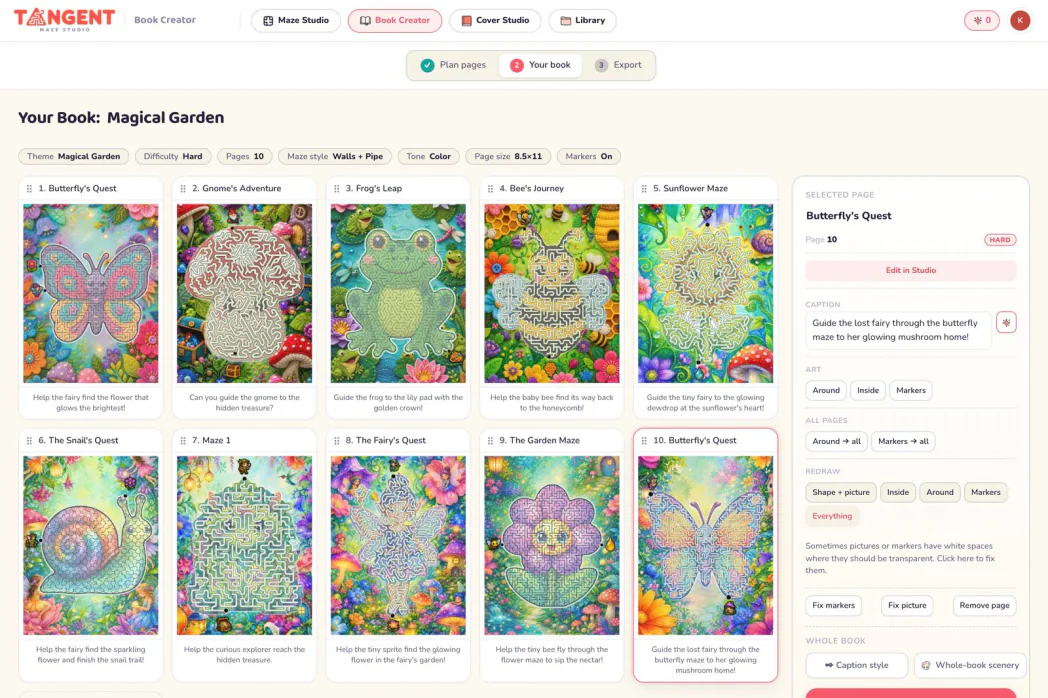
Watch each page appear as it is made. AI artwork draws page by page. You can also upload a batch of your own artwork and it is carved into maze pages, as long as each picture has a clear subject like a butterfly or a person, or you will get rectangles. A nice moment for a cup of tea: a 30-page book takes about twelve minutes to build with generated pictures. Any page opens in the Maze Studio if you want to adjust it.
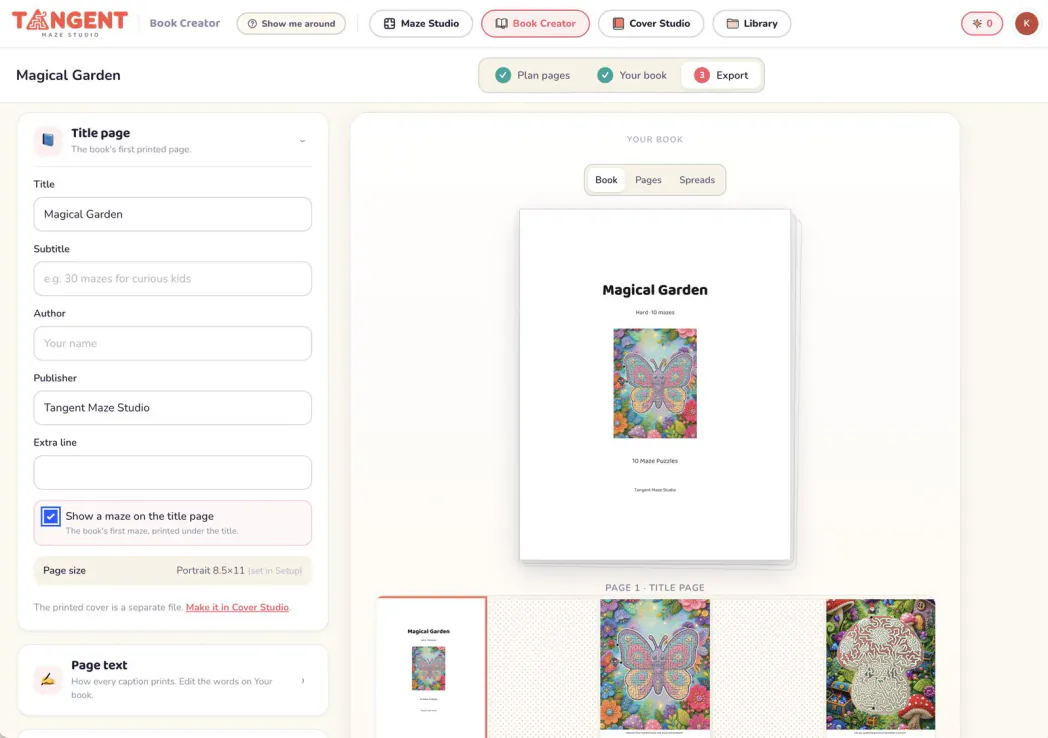
And you are done. Out comes a print-ready PDF for KDP, with solutions, an optional title page, and navigation for e-ink tablets if you want it. There are even left-hand page patterns to stop marker bleed-through.
Your cover… covered!
Our cover creator is super simple to use. Just take a look at some of these magical covers!
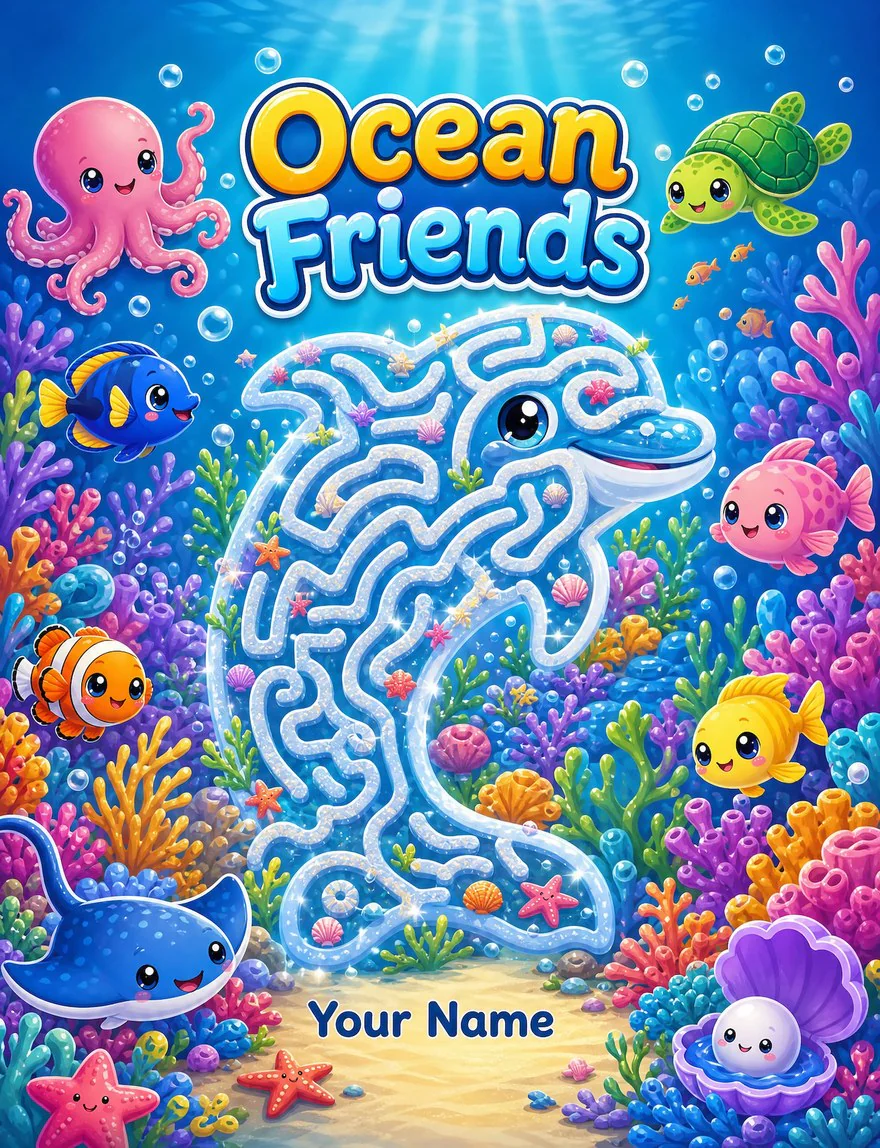
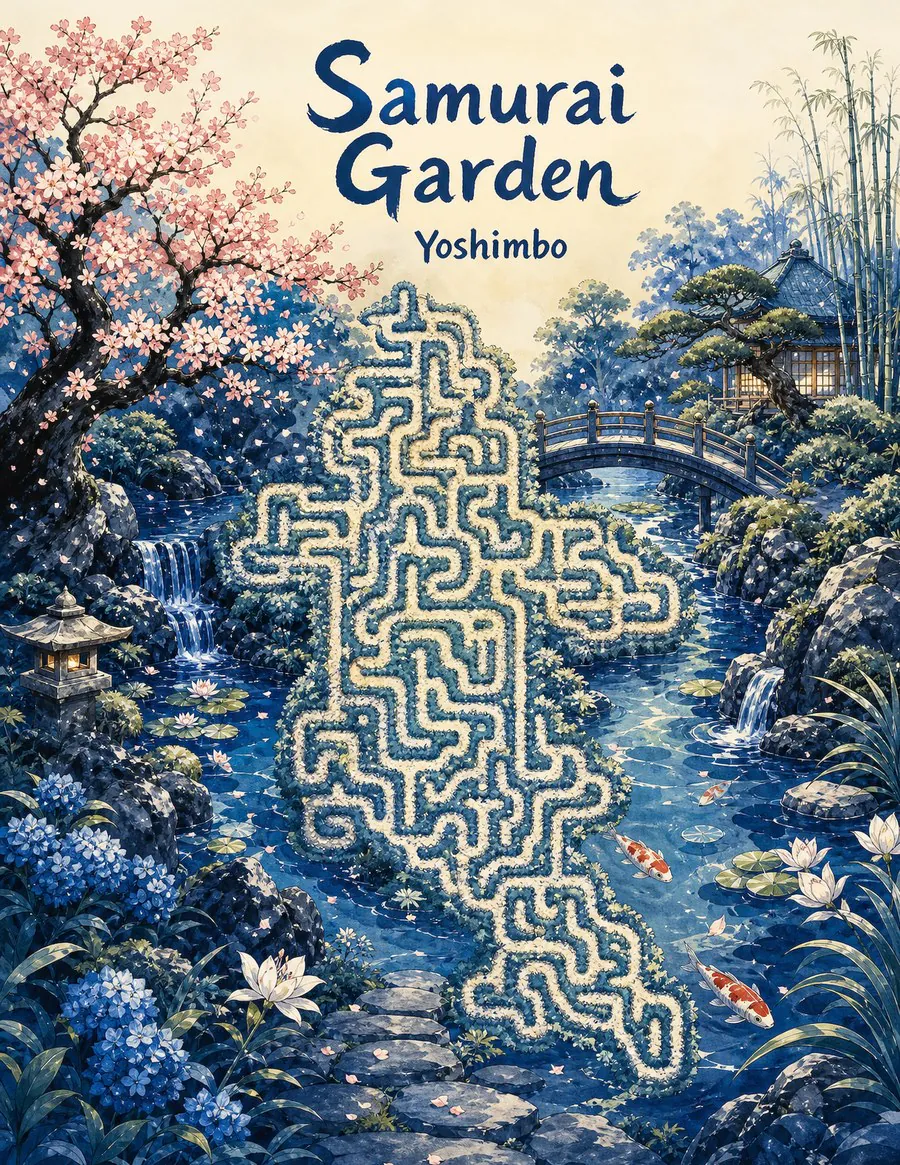
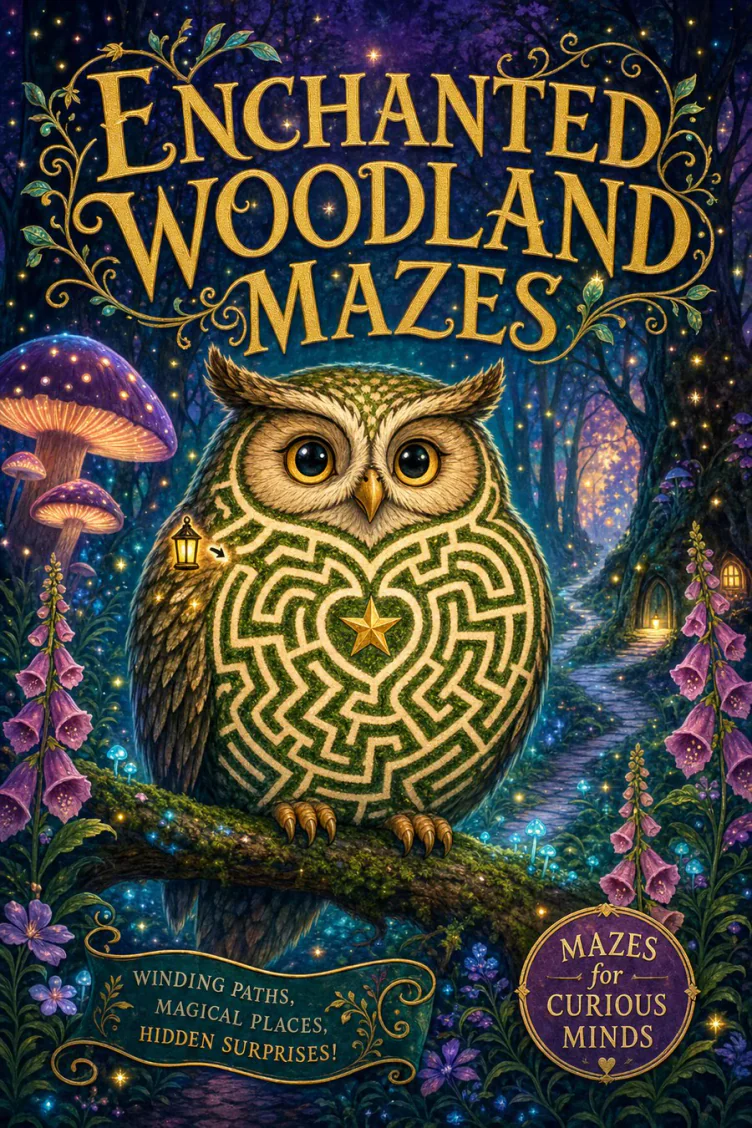
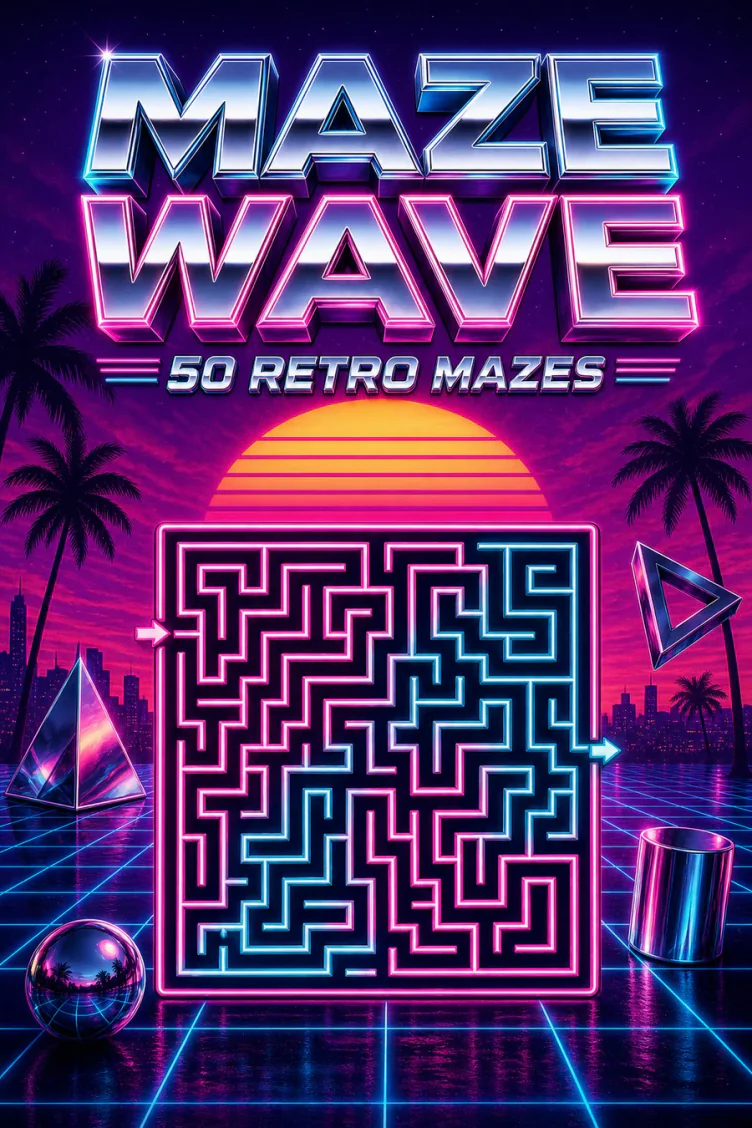
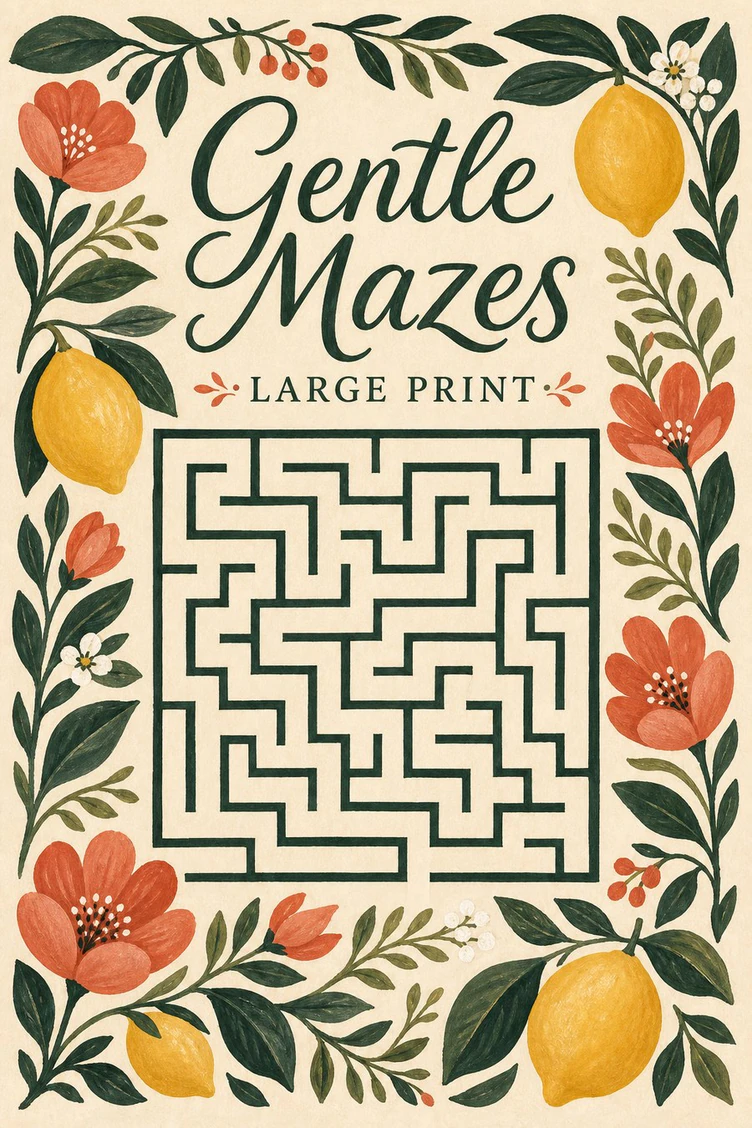
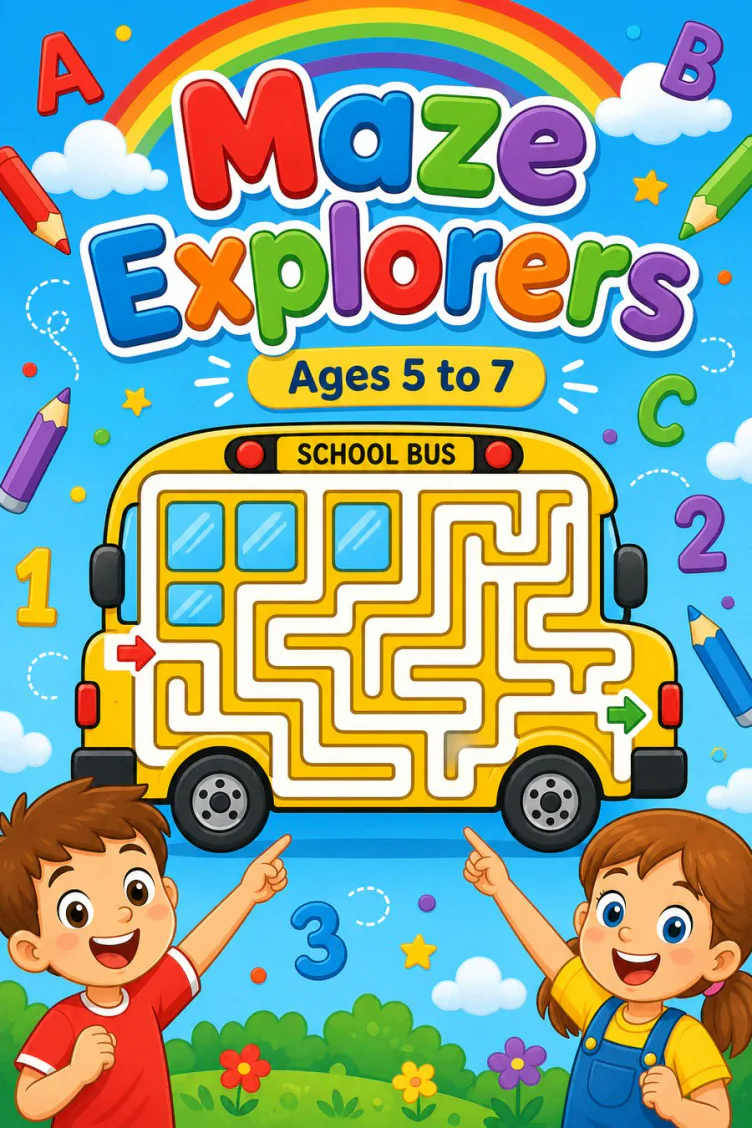
Six shelves, one studio. The AI painted every one of these around a real page from the book, lettering and all, print-ready at your exact KDP trim.
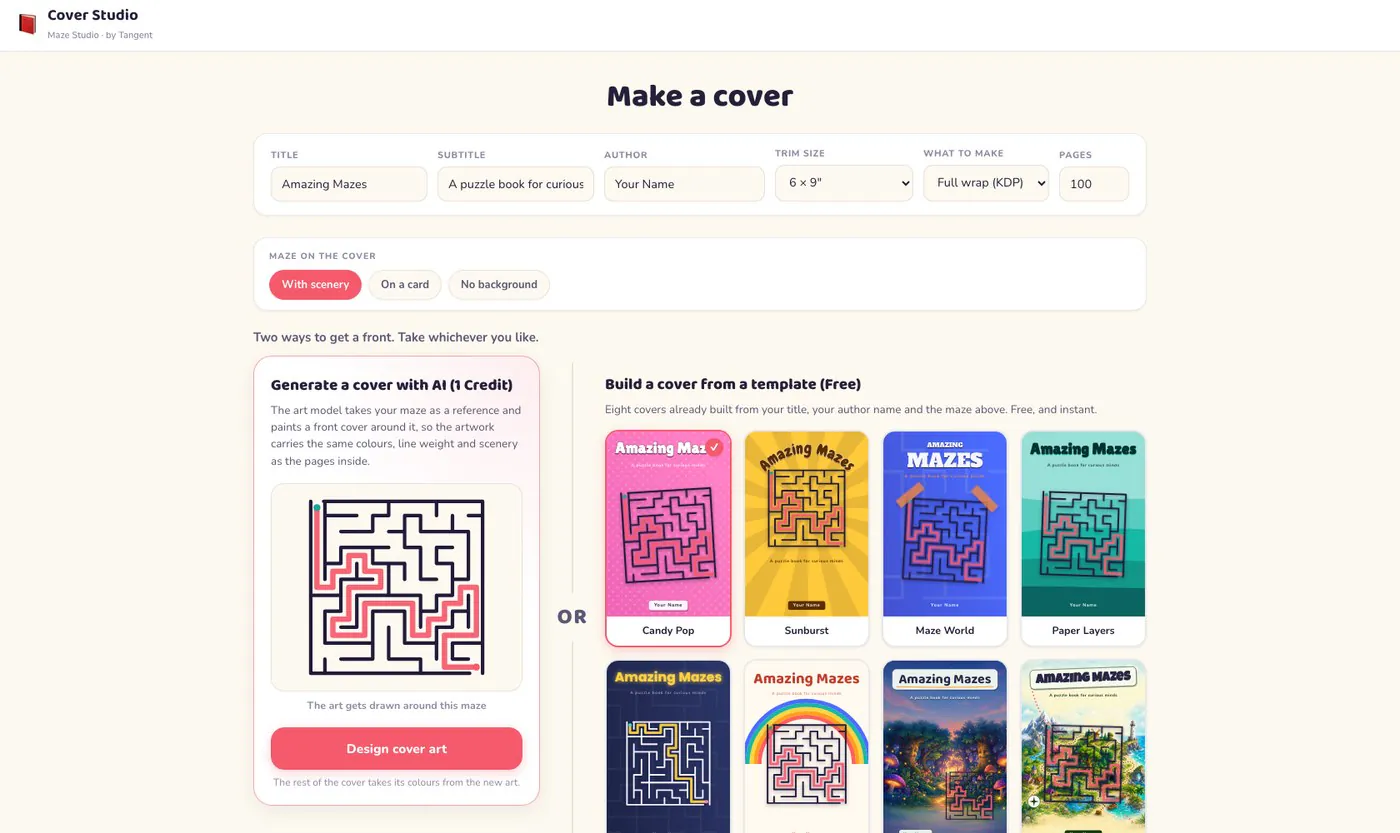
Create a simple cover showcasing your actual maze on one of our cute cover templates, sized and ready to publish to KDP. Or create a gorgeous, professional cover with our built-in AI for just 3 credits!
How Much Do You Make From a Book?
KDP allows you to create up to 10 titles per book format each week. It is free to upload, and when customers purchase, Amazon prints and sends them the book and pays you a royalty based on the price you set.
With Tangent Maze Studio, hitting the 10-book-a-week target is easy. And only people with Tangent Maze Studio can make mazes like this, so you can be first to market with a maze book for your niche. Poodles? Capybaras? Pickleball? It is an absolute blue sky of opportunity. Look at how much you can make if you sell just 100 books.
Of course you can double your chances at a profit by listing your mazes on other platforms like Etsy or Teachers Pay Teachers. You could even create themed mazes for your TikTok shop.
Rates are KDP's published Amazon.com paperback prices. Royalty examples use Amazon's formula: 60% of list price, minus printing.
Illustration only. Royalties depend on current platform rates, your price, printing costs, marketplace acceptance, and whether customers buy your book. No earnings are guaranteed.
Mazes are serious money. Here’s the research.
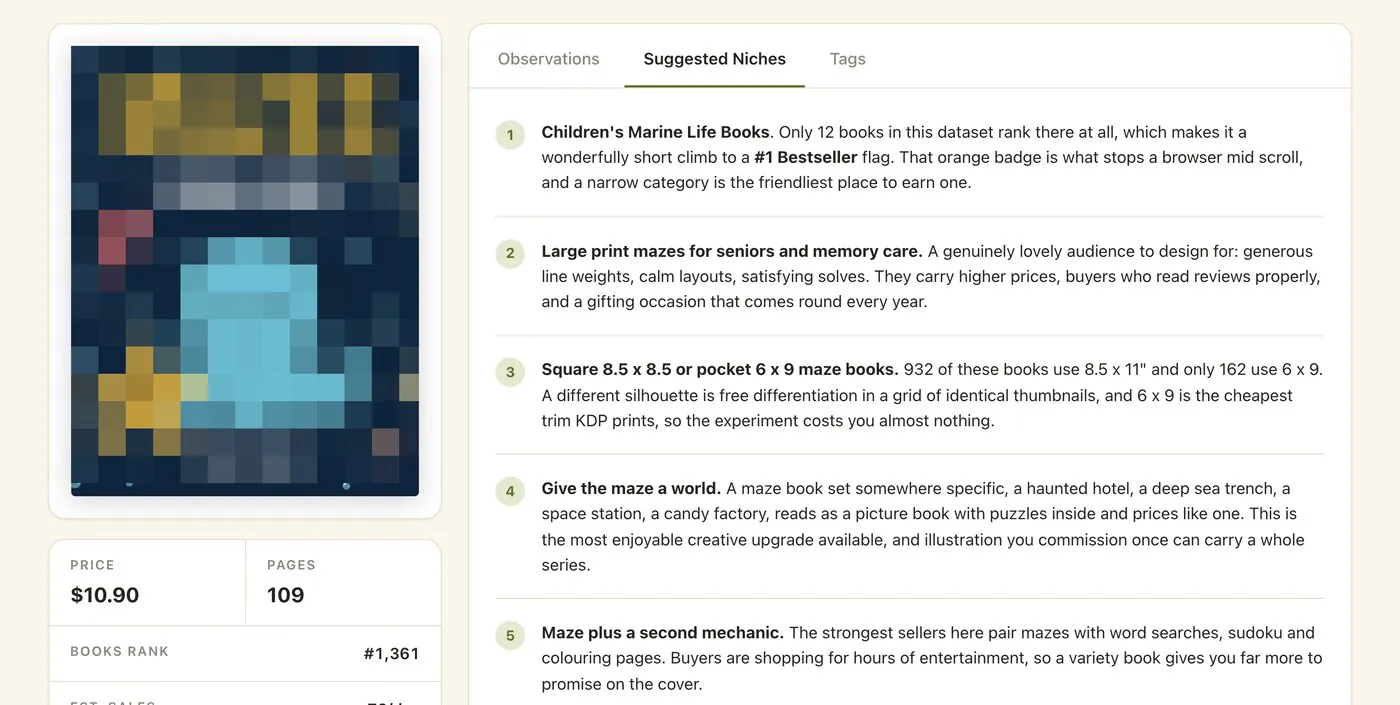
We swept thousands of listings across Amazon, Etsy and Teachers Pay Teachers to discover what’s hot in the maze niche, and we’re sharing the findings with you. Our dashboard includes detailed lists of what's popular on these platforms as we go to market. There are over 1,000 maze books here from Amazon with their BSR and review info. And if you're struggling for ideas, we give you original ideas with each book!
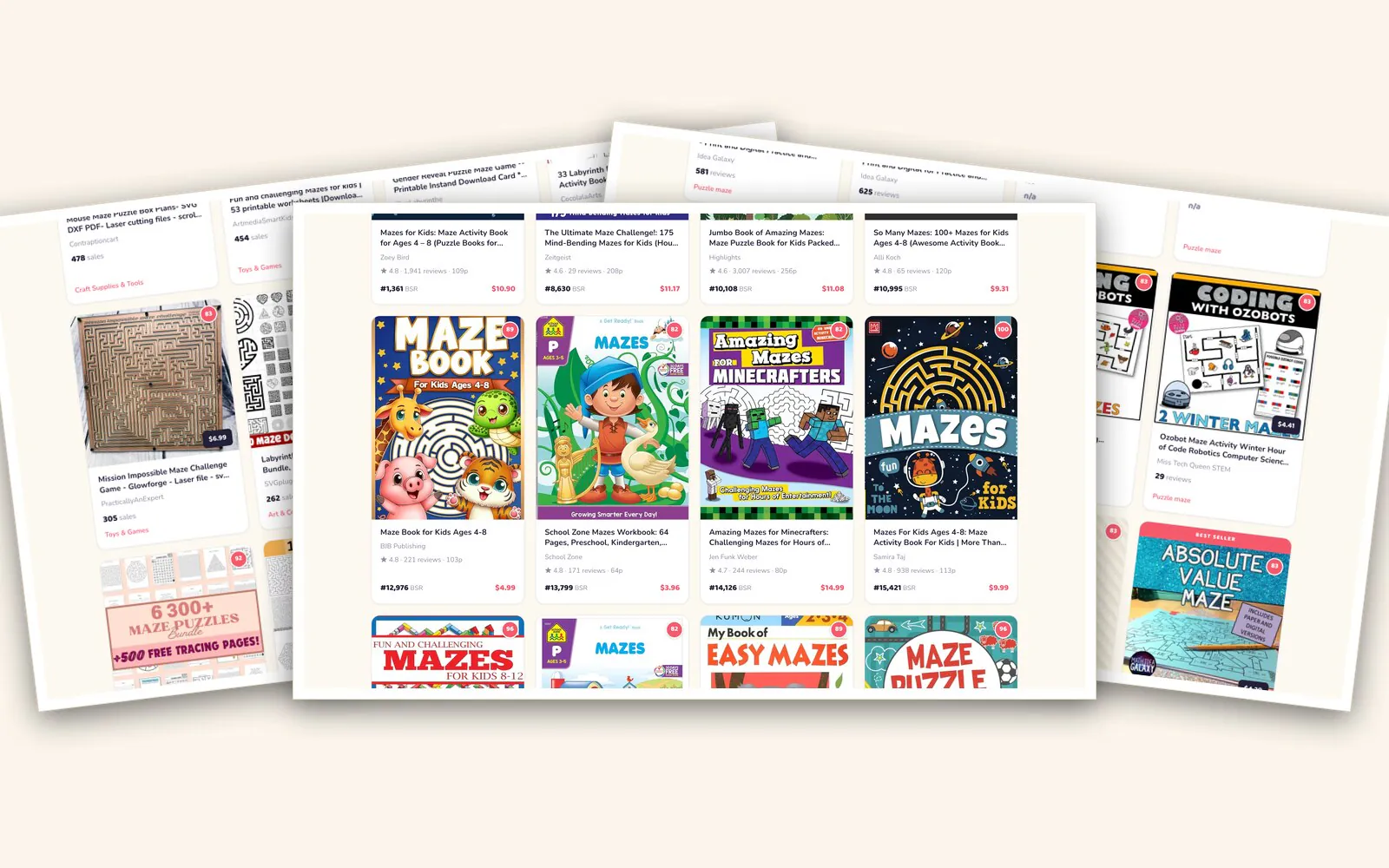
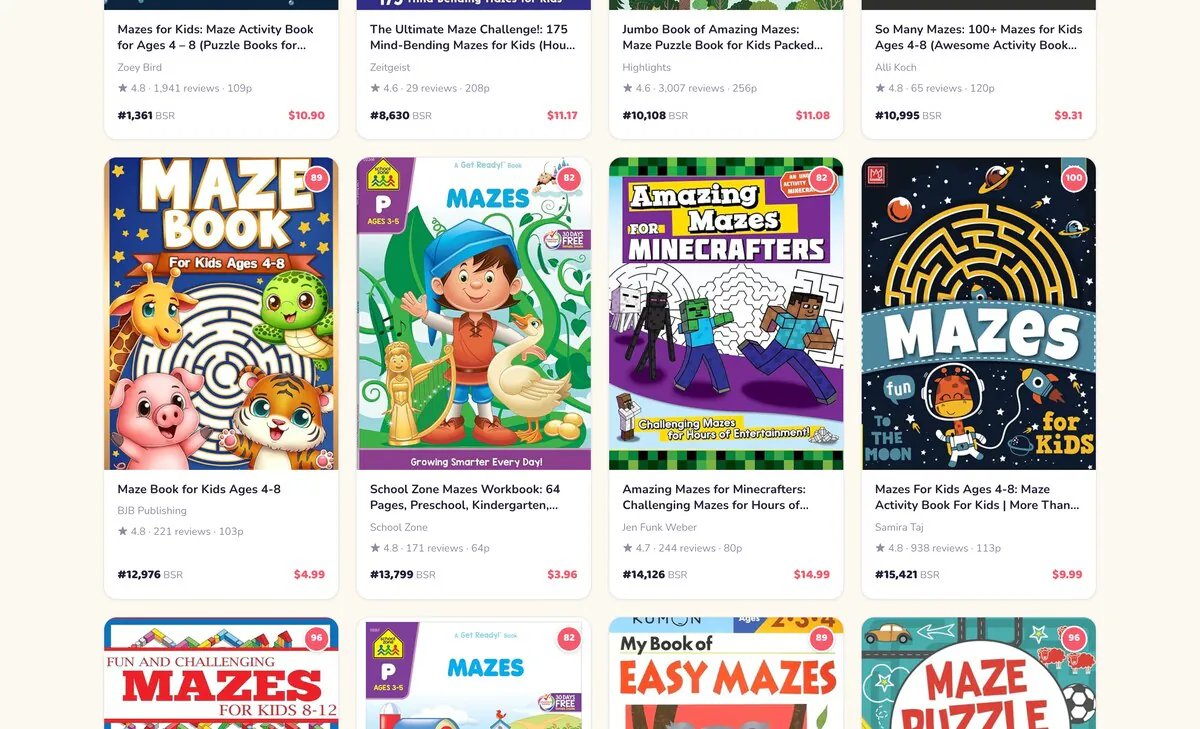
top Amazon maze sellers included in our research dashboard
almost 2,000 reviews on the top-selling maze book we found
Amazon BSR at time of writing for a $10.99 young children’s maze book
made by one printable and E-Ink puzzle bundle on Etsy, with 405 sales and counting
Dozens of copies a day, from simple shapes
The top-selling maze book is for young children, with mazes drawn into simple shapes. We estimate it sells dozens of copies a day at $10.99. Maze Studio includes 2,000 outline shapes, plus infinite options to generate more.
Beautiful mazes belonged to the big publishers
Mazes with detailed illustrations tend to be the domain of large publishers like Usborne and Scholastic, until now. Tangent Maze Studio lets you add background and interior artwork for more unique, beautiful pages.
A huge gift market with zero competition
Personalized gifts are huge on Etsy, but personalized printable or photographic mazes are currently non-existent. This is your BLUE SKY opportunity: use Word Mazes and uploaded photographs to create unique, first-to-market gifts for the holidays.
One Etsy puzzle bundle: $10,000 and counting
One printable and E-Ink puzzle bundle has made over $10,000 to date, with 405 sales and counting. Book Studio adds E-Ink navigation to your pages with one click, so you can target the reMarkable and Kindle Scribe market as well as Amazon.
Now the maze itself is the message
Mazes sell on Etsy, and many are simple mazes paired with motivational or positive thinking messages. With our word art, you can skip the extra steps and literally make the maze the message. Another blue sky.
The adult maze shelf is nearly empty
There are very few adult maze books on any platform because complex mazes have been difficult to create. Now you can build extreme-difficulty mazes with a variety of fills and styles for adults who like a challenge, or larger-print cognitive activity books for seniors.
Mazes like this have never existed on Amazon
Be in the first wave
Mazes like this have never existed on Amazon, or anywhere else, because Tangent is the first to solve the collection of problems that lead us to complex mazes in shapes. And the exciting part is YOU get to be in the first wave to put these books out into the world.
Whole new niches are opening
Beautiful maze books for children, adults and seniors. Detailed books for entire niches: a dog breed, a hobby, an occupation. Photographic mazes, word mazes and name mazes all become available to you now with a few clicks.
Built for buyers to say Wow
These are the pages that make buyers say "Wow." They are designed to be beautiful, high quality and printable. Tangent has a long established reputation in KDP publishing and high quality print, with more than ten years in the business, launching the careers of countless successful publishers.
Maze pages that feel like real books
Complex paths, illustrated pages, color, black and white, whimsical themes and grown-up detail: this is the range Tangent Maze Studio puts in your hands.
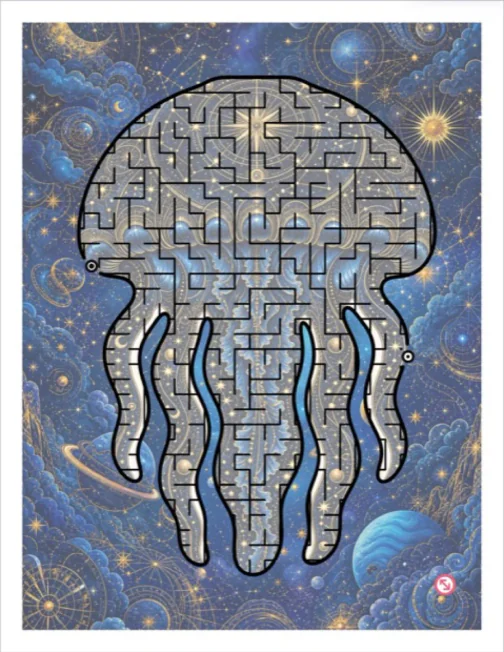
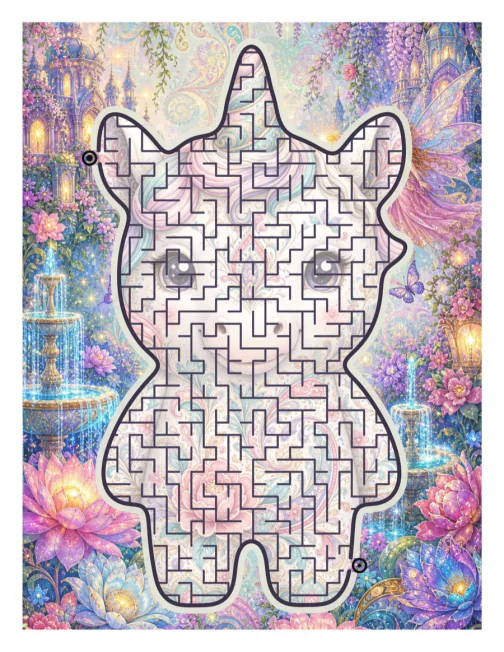
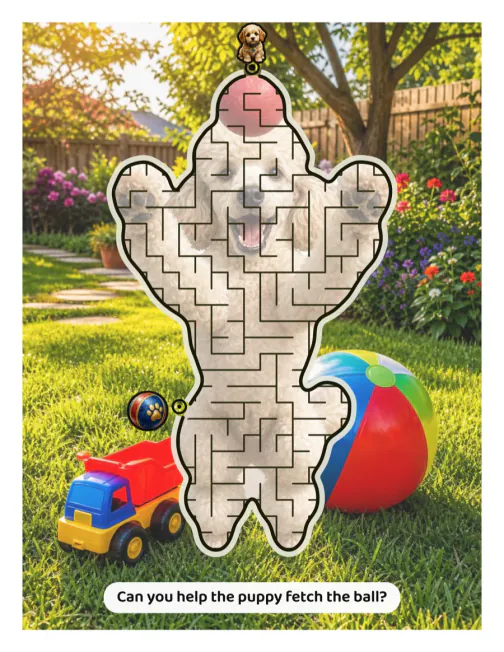
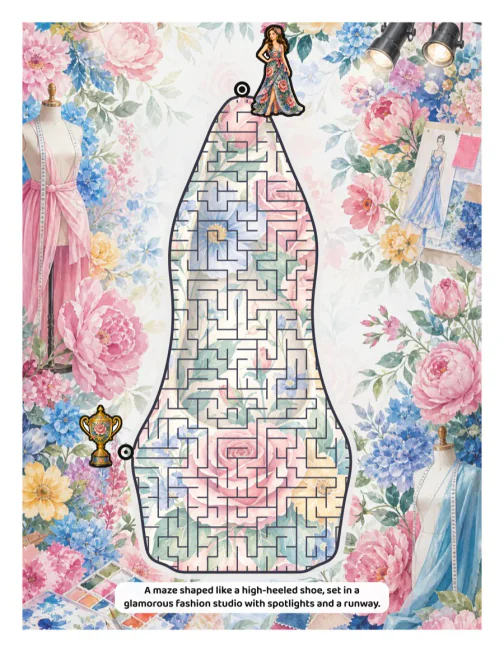
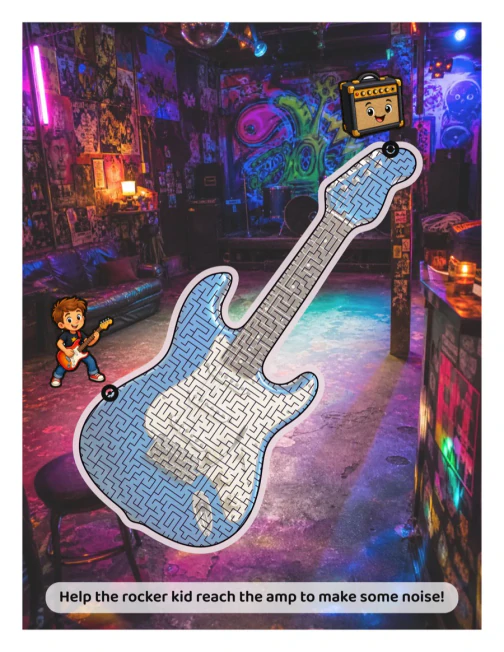
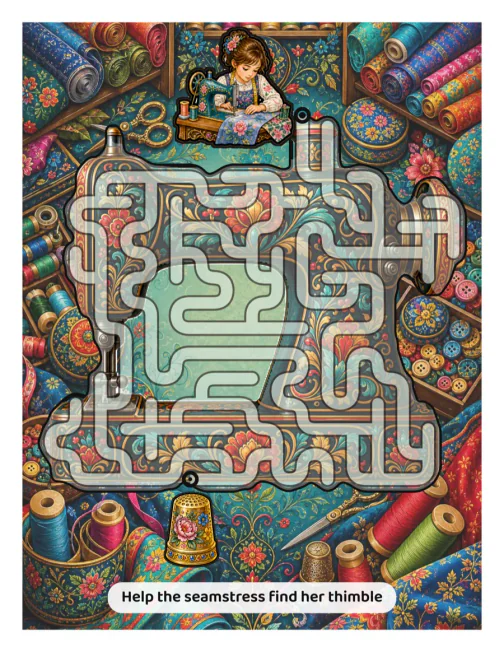
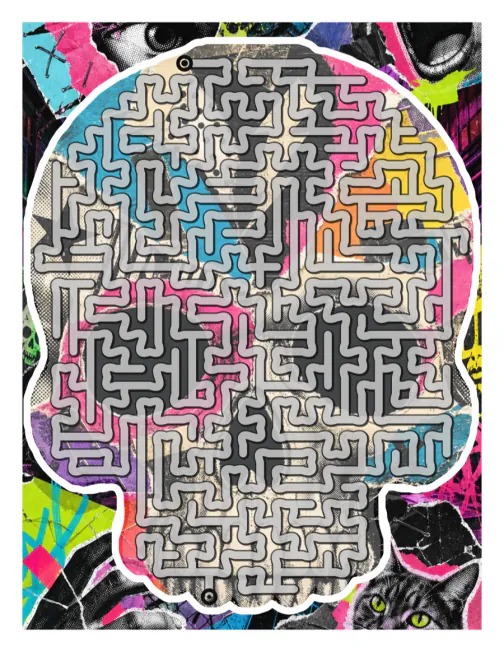

YES! Mazes are nichable!
- Large Print is always popular on Amazon, and mazes are no exception! Create bigger, bolder mazes for seniors.
- Classroom and Homeschool - With letter, number and sticker trails, your mazes not only help hand-eye co-ordination, but also numeracy and literacy.
- Sensory-friendly, ADHD and Neurodiversity - Create uncluttered mazes with soft colors and clear focal points for attention.
- Personalization - Add names, words and even upload photographs for greeting cards, corporate gifts and personalized products.
- Holidays, viral trends and current affairs - Upload images or generate your own to celebrate current events, create educational content... or parodies!
Teachers love mazes!
Here are just a few ideas for educational content with mazes. Consider creating maze packs for public holidays, special events or even personalized mazes with your school logo or class photographs.

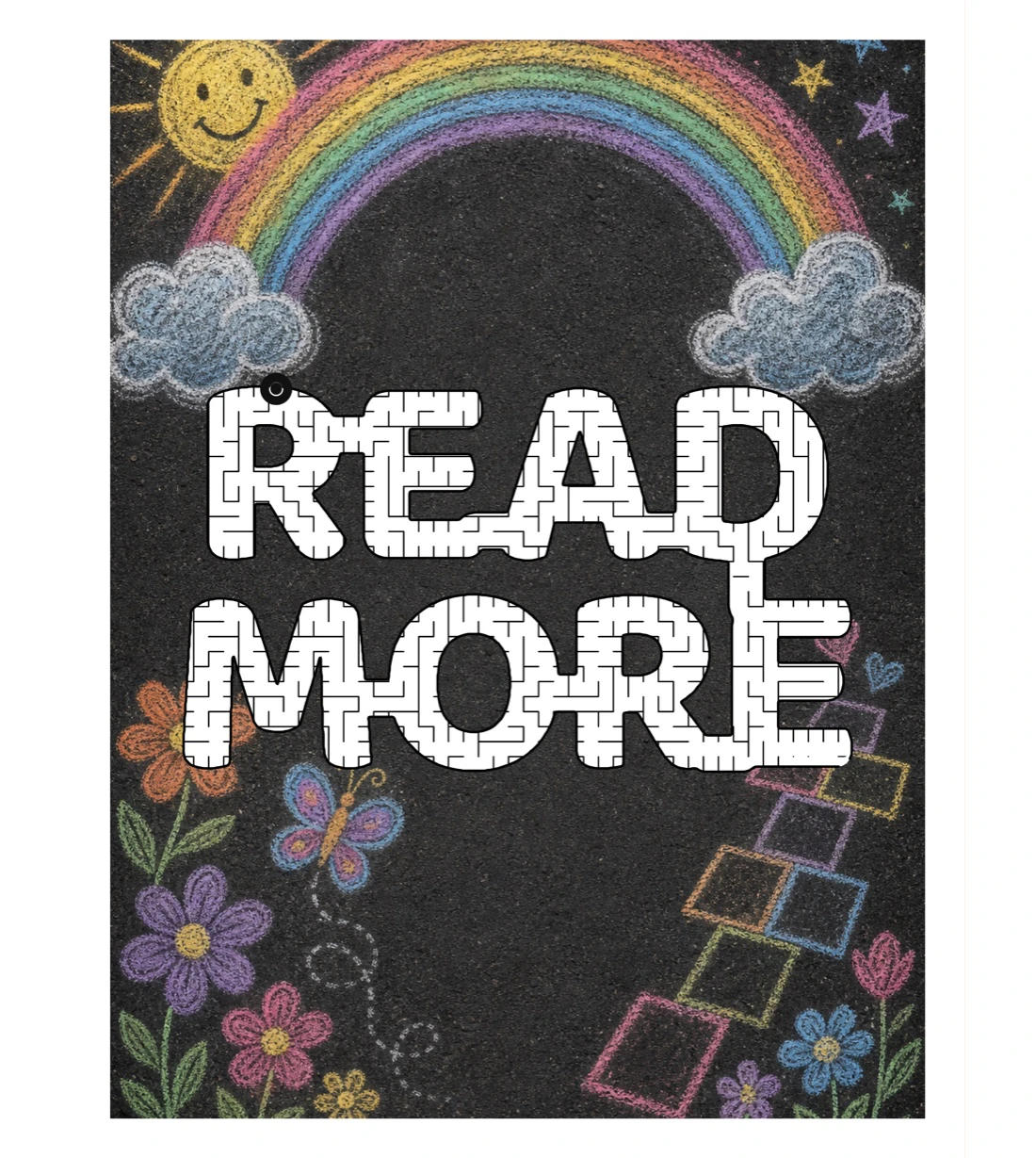
Use common words and phrases to learn sight-reading as you solve mazes.
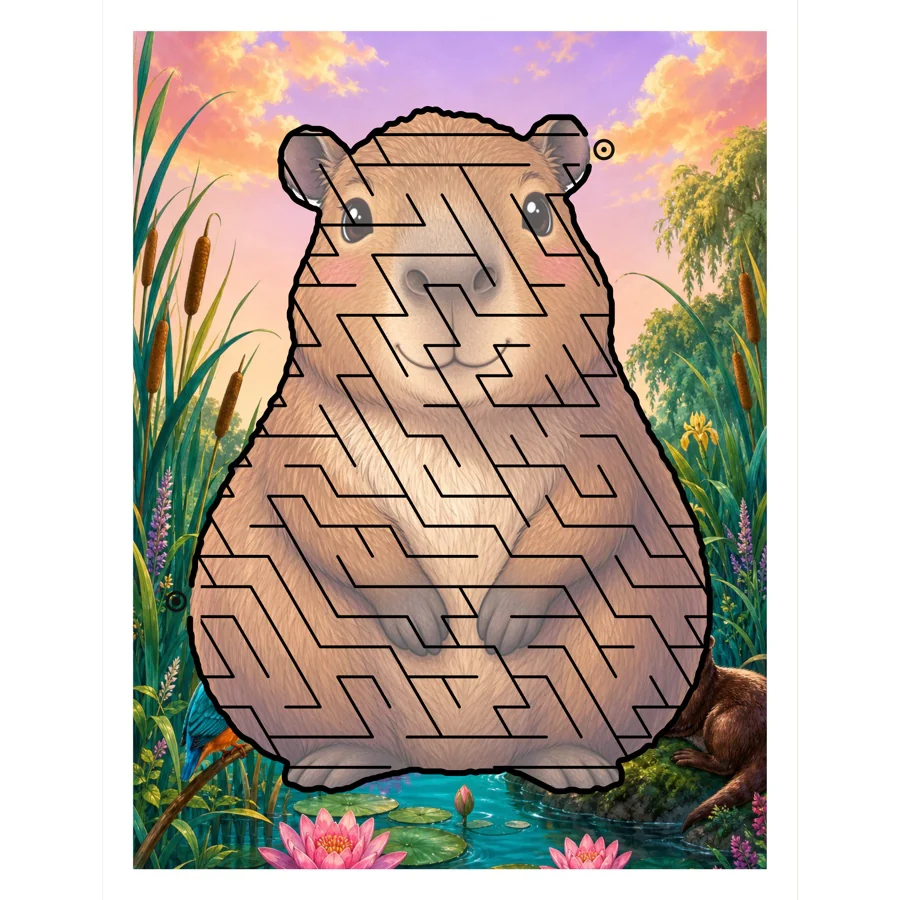
From space launches to capybaras, whatever is trending is teachable with a maze.
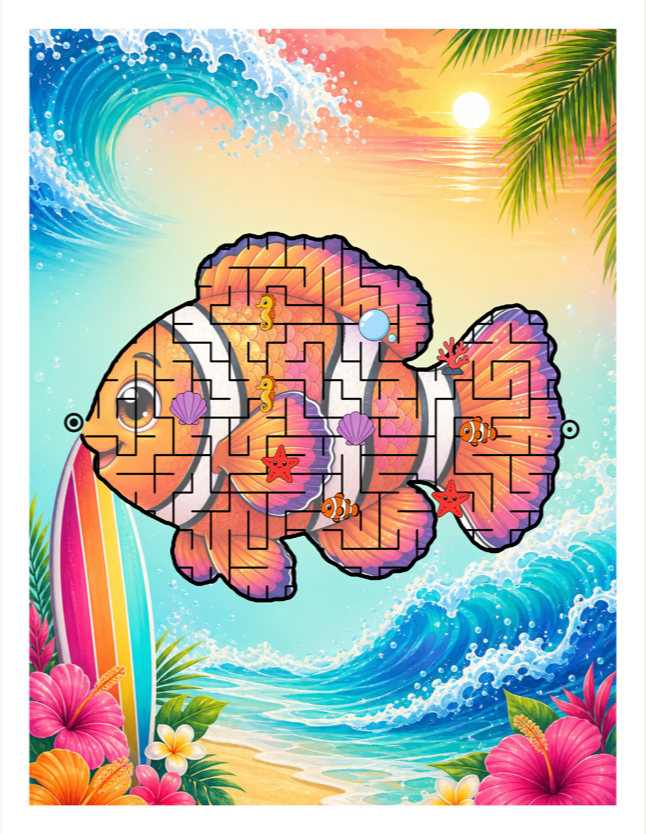
Use number and letter stickers to teach numeracy and literacy in a way that's so fun, kids won't even notice.
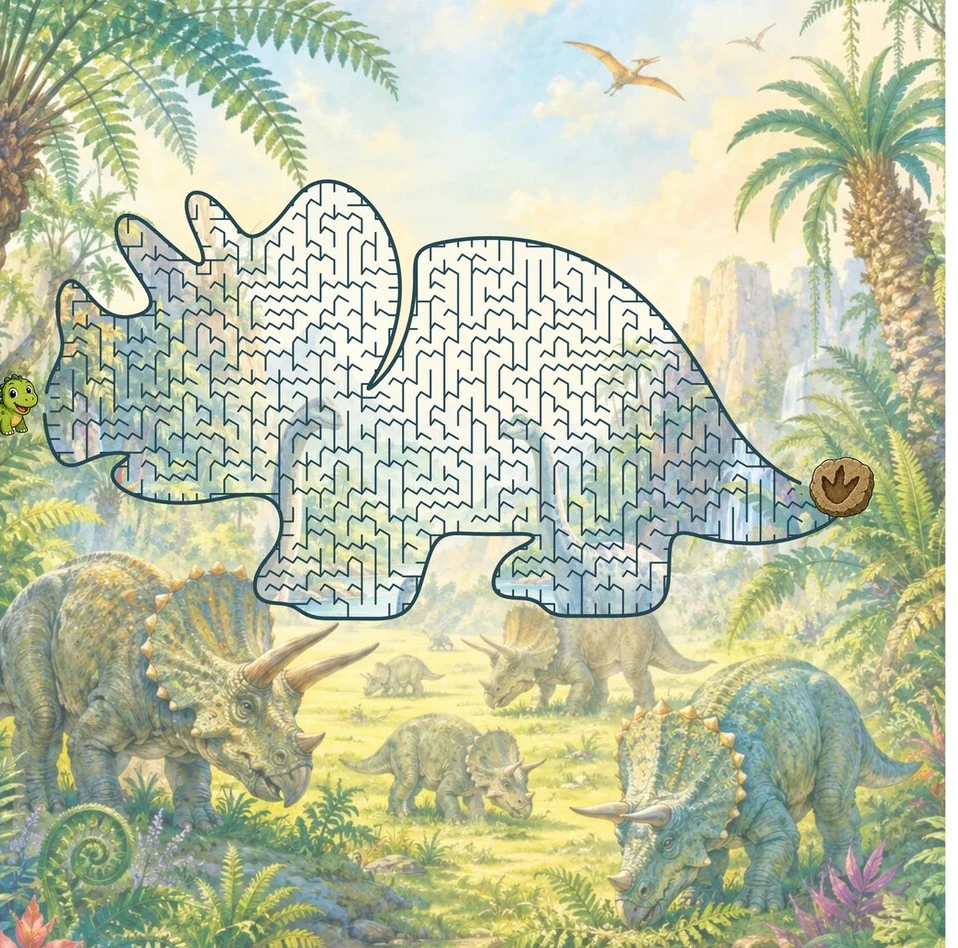
Shark week, dino week, celebrate them all with a printable maze for the classroom!
Tens of thousands of creators build on Tangent tools
Tangent has been producing software and education for KDP creators for more than ten years. Hear what people have said about our flagship KDP tool, Tangent Templates, as well as our courses, Imagine and Origins, and our creative research bundle, Smorgdashboard.
"Smorgdashboard has to be the best thing I've ever bought. Apart from Tangent Templates. I absolutely love it and I'm finding and learning new things every day! So much value. ❤️"
"£1,125 ($1,475) in my first full month! Just want to say thanks to Katharyne Shelton for the amazing templates, without them it would have taken me a lot longer to get started!"
"I bought Tangent Templates ages ago and it has more than paid for itself. I have Imagine now for a few days and it turns out: It is a license to print money I don't usually like video courses, but in this case I watched all the videos and even though I've been around KDP and Midjourney for a while, I learned a lot. The videos and all the material is to the point and structured super well. I think only in hyphen-hyphen and I'm annoyed that I have to sleep a little every day I'm not an affiliate - just extremely excited and super grateful for this tool and course!"
"Aaaand DONE! First ever coloring book submitted, thanks to the amazing Imagine with Katharyne course! A thousand Thank You's to you and Isaac for the wonderful tools you offer."
"Tangent Templates changed the game for self-publishing, and this AI course already feels like their most powerful resource yet. They always go above and beyond in what they share."
"One single tool out of all of them has already more than paid for whole shebang. You are so generous with your knowledge and excellent research."
"It is possible to make and publish a coloring book in one day. I did it using 'Walkthrough 1 Interior' in the new course."
"This is the most incredible gathering of data that I've ever seen!"
"This whole series of release is so big it's actually hard to wrap your mind around. I can't get over how much value you guys add to everything. I've never seen anything like it tbh."
"Eek! I'm so excited! You and Isaac overdeliver by leaps and bounds!"
"The content you and Isaac put out is keeping me too busy to leave the house. Love it. 💜"
"For four days straight I've been knocking out 10-20 books daily with the help of tangent templates and I've made my first sale. I'm over the moon!"
"It is a license to print money 🙂"
"The Origins course has such an amazing amount of information in it it's mind blowing... Katharyne & Issac have created an absolute magic course. Jump on board as you will not be disappointed. Come join us!!"
"Love love love this!!! Smorg is like a candy store for me. I am so happy with every day."
"Day 1 gave me an idea that might just change everything I've done before! So excited!"
"My brain is buzzing and the ideas a flowing... Thanks Katharyne Shelton and Isaac Gonzalez for always giving us such inspiration and literally freeing us from the limitations we put on ourselves."
"I don't think I've ever learned so much in such a short time! Loving it, great course Katharyne!"
"Eek!!! I did it! I published my first coloring book!!! I'm so happy and grateful! Thank you Katharyne Shelton and Isaac Gonzalez for the incredible coloring book course. Imagine gave me the confidence I needed. ❤️"
"I love your training. I've been completely ignoring my family and watching your videos for hours. I truly wish I had your thinking, imagination and creativity."
"Origins has been over the top incredible! I'm only through the first section on GPT and I'm stunned and super excited. Already used it to create a deep search on market research and am blown away."
"7 sales in May. 26 sales in June. 64 sales in July. 126 sales in August... Thanks to Katharyne Shelton and Isaac Gonzalez for Tangent Templates and the constant stream of inspiration and ideas. You guys rock!"
"I've just purchased, and after spending just a few seconds inside the member area, I'm totally speechless! What you are providing is worth thousands of dollars and will still be undervalued. Thank you for being so great!"
"I am blown away with the amount of information presented in the Imagine course. My mind is reeling! I am taking notes with Ulysses as I go so I can refer back to them along with all the provided resources. Just freakin' Wow!!Thank you Katharyne and Isaac. So happy I said, "yes, and" to you both years ago and now to this new course too! Let's go!!! My first two kids coloring books I did myself, using purchased art graphics and combining together, removing color painstakingly with editing in Photoshop. It took me a month to create each book! I was exhausted, so then I invested in a couple of illustrators. Those books ended up costing me between $1500 to $2500 each, and 14 to 16 weeks for the illustrator to complete 30 images. My credit card hated me, and I had some lean months, but I launched 14 kids coloring books and translated each into 6 languages. Boy was I tired Fast forward to now. Yesterday I started watching videos and at 2pm I started generating images in Midjourney for my first adult coloring books since 2016. I quit about 8pm, so that's 6 hours. Today I worked on my interior, 50 images. As of 6:30 my entire interior is complete (still need to add copyright and title page). I did 8 hours today. Let me say that again - my ENTIRE interior COMPLETED in less than 2 days!!!! Thank you again Katharyne and Isaac for such an amazing course, the BEST tools - and for re- kindling that creativity to get back to adult coloring! And good luck to everyone - have fun creating! Just digging in to the course, but so far I'm amazed at the Crystal tool and the in- depth information on prompts. You guys always deliver! Let me start with WOW!! If I never make a coloring book, I have still learned so much about Midjourney that I could have imagined. I am in video #9 (of 17) and I gave up trying to take notes way back. I will just keep coming back and going through the slides to refresh. I can't believe how much I have learned about styles, and prompting, and MJ versions so far that will affect everything I create in MJ, not just coloring books."
"The course opened up so many possibilities! I am still trying out the different styles and experimenting. Initially I thought I would not used my fast hours but now I think I may need to upgrade to the next tier. I wanted to work on KDP only primarily, but now I want to explore other channels as I see potential beyond colouring books. Love the course - totally beyond what I expected. The course bundled with the software, resources and prompt builder amazing!!"
"Just a quick post to say thank you for this incredible resource. I've been using AI to create a few coloring books prior to this course however, this week I've managed to create 4 additional books with plans for several more. Something about watching all of the videos and all of the other resources sparked my imagination (no pun intended) again and I've made coloring books in a niche I'd never considered before. I'm having so much fun playing with MidJourney, ChatGPT, Imagine with Katharyne, and Google Bard. AI tools are fascinating and really unlock the possibilities of creating."
"I can't believe that I uploaded my first coloring book today using all the information and resources available through Imagine! The whole process was amazing and beautiful. I followed the instructions and videos by Katharyne and able to complete my first project in about 3days Thanks"
"My first two kids coloring books I did myself, using purchased art graphics and combining together, removing color painstakingly with editing in Photoshop. It took me a month to create each book! I was exhausted, so then I invested in a couple of illustrators. Those books ended up costing me between $1500 to $2500 each, and 14 to 16 weeks for the illustrator to complete 30 images. My credit card hated me, and I had some lean months, but I launched 14 kids coloring books and translated each into 6 languages. Boy was I tired Fast forward to now. Yesterday I started watching videos and at 2pm I started generating images in Midjourney for my first adult coloring books since 2016. I quit about 8pm, so that's 6 hours. Today I worked on my interior, 50 images. As of 6:30 my entire interior is complete (still need to add copyright and title page). I did 8 hours today. Let me say that again - my ENTIRE interior COMPLETED in less than 2 days!!!! Thank you again Katharyne and Isaac for such an amazing course, the BEST tools - and for re- kindling that creativity to get back to adult coloring! And good luck to everyone - have fun creating!"
"I'm currently going through the Imagine course videos. Wow - I'm blown away by the awesome content. Only just starting and I already have so many ideas... The Tangent Crystal software is amazing! Thanks Katharyne and Isaac for the wonderful work you do and sharing your gifts with the world. You both are inspiration and blessing for so many.... So happy to be here and share my journey with all of you"
"OK people - my mind is officially blown now. I have been through the entire course (including both interviews - wow!) and just now started a deep dive into the Resources and Research Pack. To say that there is absolutely nothing missing from Imagine is an understatement of the most gigantic proportion. Thank-you Katharyne and Isaac - both for restoring my faith in online business mentors and for giving me the tools and techniques to change my financial world. sorong"
"Good Morning, everyone from the US! I've been using Midjourney for about four months. Started with the free trial and am no using the paid version. I am loving the course Kathryne, it has helped me get past my stuck point in the coloring book area. I have an Etsy shop that's 7 months old, and I am making sales almost every day. This course has unlocked my brain finally, I was stuck on what to create, how to come up with more ideas etc. Again, thank you."
"Hi Katharyne, I just had to reach out and let you know just how incredible your course has been for me.: Your dedication, expertise, and sheer passion have genuinely resonated with me. I can't emphasize enough how much value, motivation, and interest you've provided through your content. What's even more remarkable is that, thanks to you and the inspiration I've drawn from your teachings, I've made the significant step of returning to work after a hiatus of 3 years! 2 Your impact on my journey has been profound. I genuinely thank you for the bottom of my heart for all the hard work and effort you've poured into the course. It's been a game-changer for me, and I'm certain for many others as well. Keep shining and doing the incredible work that you do! THANK YOU!"
"Greetings! I joined this group a week ish ago, from a fb suggestion, and I purchased your coloring book course two days ago. I'm nearly thru the course, and let me say, IT'S AMAZING! I'm so grateful!"
"At the moment I am happy to have finally bought the course! I've watched the videos and knew that it was only a matter of time. There's an incredible amount of amazing information in it. I have always been a big fan of your unlimited creativity, Katharyne and Isaac. So glad to be here and to be learning from both of you again! And to start creating colouring books. I've never done colouring books before, so there's quite a bit of learning and practising to do, but I am up for the challenge."
"Yes! I am obsessed and thankfully I have my husband who is helping me create all of these books (he edits all of the 1,000's of images I've been creating). We did have to take a break for a few hours today to cook dinner and straighten up the house. I started with ONE book this week and that has turned into a series in the same theme. So far I'm at five for the series however, more ideas keep popping up and I could go as high as 10 books for it. Then I added another 2 books to a previous coloring book series I have, which gave me more ideas. I have lists of notes and ideas and they keep growing."
"I just finished the entire Imagine course, and I got this video, too! I don't even have words to describe how excited I am about MJ... but, there are no words at all to describe how in awe I am of Katharyne's brain! And Isaac's, for sure! Y'all are just so super awesome and have such a wicked crazy imagination!"
"Let me start with WOW!! If I never make a coloring book, I have still learned so much about Midjourney that I could have imagined. I am in video #9 (of 17) and I gave up trying to take notes way back. I will just keep coming back and going through the slides to refresh. I can't believe how much I have learned about styles, and prompting, and MJ versions so far that will affect everything I create in MJ, not just coloring books."
"Hi Katharyne & Isaac. Several days ago, I invested in your ORIGINS course. (I already have TT). What can I say? (I might have to get Chat GPT to write me a testimonial, haha). Seriously, Katharyne, I am blown away by this program. You are a phenomenal teacher, artist, entrepreneur, and creative strategist, passing on your wealth of knowledge and experience in a course that should cost five times as much as you are currently charging, if not more! Thank you so much for your generosity. I can't wait to put all your creative and technical AI know-how into practice and build my own profitable business. Xx"
"I do kdp full time although I've not done coloring books before now because of the problems of getting unique images. I found Katharyne Shelton when I was trying to work out how to do t shirt designs on canva (I have a merch account as well). Through this, I found tangent templates and started kdp in 2019. Some of my books are more mid content than low content. I make a very good income from kdp and I'm very grateful to Katharyne and Isaac."
"Hey everyone! Happy to be part of the IMAGINE group. Katharyne, The course is fantastic! It's very well-planned, vivid, and practical. Well done! I finished viewing the Walkthrough, and if one has an idea for a book, I'm pretty sure it's easy to create a coloring book in a day. I'm new to Midjourney, so I have to work on that to start with. Happy Sunday! *"
"Just digging in to the course, but so far I'm amazed at the Crystal tool and the in- depth information on prompts. You guys always deliver! Love 21h Lots to learn, patience is in short supply for me. Powering through for now, then I'll revisit the most important lessons for me. I don't think I've ever learned so much in such a short time! Loving it, great course Katharyne!"
"Your Imagine Training is AMAZING!! Katharyn, I love your training. I've been completely ignoring my family and watching your videos for hours. truly wish I had your thinking, imagination and creativity. Thank you so much for everything you are sharing."
"I've been sitting all day watching. My brain is buzzing and the ideas a flowing. I have been using ChatGpt for a while now but oh my I tell you what, my mind is blown. Thanks Katharyne Shelton and Isaac Gonzalez for always giving us such inspiration and literally freeing us from the limitations we put on ourselves. I'm exploding with excitement and creativity and it's all Thanks to you and this fantastic course."
"I bought the programme last night and just listened to video 2 and already am I blown away. I knew I bought great value for money when buying Imagine but this beats anything l imagined e Thank you very much."
"Hi Katharyne - THANKS HEAPS for responding - and so quickly! I am hugely relieved. The course is absolutely fantastic - and so far I haven't even made my first coloring book but I have sooo many ideas. I love the work you and Isaac have put into this and the way you explain everything. Just soooo good!"
"Katharyne Shelton, I just finished watching the Welcome to Origins video in the new platform. Can I just say how lucky I am to have been following you all these years? You inspire, teach, and deliver every time. You hit on so many points that truly resonated with me. I have many ideas that I need to bring to life and this course is exactly what I needed. You and Isaac are amazing. Diving in now and may need some help along the way but I know you have my back. Thank you."
"Thank you so much for all your hard work. I'm still going through ORIGIN and it's priceless. I'll be sharing some of what I have created so far. I'm learning so much! Thanks a million."
"Just started the course and even the intro is PACKED with value. I've followed Katharyne and Isaac for years and honestly-I'd buy anything they put out. Tangent Templates changed the game for self-publishing, and this AI course already feels like their most powerful resource yet. They always go above and beyond in what they share and ADD content also, and this one's no different. Can't wait to dive deeper-thank you both for continuing to lead with generosity and brilliance. de"
"I am watching them as fast as I can. But each module is filled with so much that I have to try it a module at a time. I feel like a kid with over stimulation with each module. My brain is spinning!"
"So. Much.Fun!! I have only gone through the first few lessons, my brain is absolutely fizzing with excitement. I love the assignments (I learn by doing). And I have spent several hours with ChatGPT having a blast with the assignments and then building fictional brand kits, converting conversations to mind maps, info maps, etc. I tried to get my head around AI last year and whilst it was great I still didn't get how to apply it in my life let alone how I might monetize it. In only two lessons with Origin I can really see it. I totally get how to be me and create something that speaks to both my interests and core skill sets. Thank you to both Katharyne and Isaac - you two are Legends!."
"Hi Katharyne Shelton! I just finished watching the Midjourney course and it was amazing!!! Now I'm going to have to rethink what I really want to focus on for my business!! There are so many options and I love painting and creating both physical and digital art! Lol!"
"Katharyne Shelton and Isaac Gonzalez you two always do such great courses! I've been using ChatGPT for over a year in such different ways than your course. I've been mind blown by this course while you are using it to expand on principles you have taught me for the last 10 or so years! I will share that I've used it to analyze my Amazon PPC reports since I can upload the spreadsheets. I have used it to help me with my credit card hacks for booking travel with my credit card points and finding me the best flight deals and SO much more! My list of uses is too long to post."
"I've been Course Binging "Origins" for the past 3 days since purchasing it! The best learning approach that works for me is to watch something in it's entirety, and then go back and try things out and/or use what I need in my business #. Thanks for the fantastic course Katharyne Shelton and Issac!"
Kathryn Lowe, AKA Sasha O'Hara, took Katharyne's original coloring book course and was inspired to create the bestseller Calm The F*** Down. That book made over a million dollars in royalties, launched a whole series of sequels and a European publishing deal, and laid the foundation for the entire industry of "sweary" coloring books.
Katharyne's 55-minute interview with Sasha, on how the million dollar book happened, ships inside our Imagine course.


Any word. Any name. Any emoji. Now a maze.
Now you can create a personalized page or gift that just didn't exist before. "Quote books" have been a huge coloring book bestseller for years. Simple phrases like "Inspire, Grow, Create!" with patterned backgrounds to color. Well, now you can do the same with mazes.
You can also fill them with your own artwork and add your own scenery (or pick from our library or generate new art!) for a personalized and gorgeous gift. And yes, you can be among the first to market to sell personalized mazes on Etsy or the platform of your choice!


Enter the name of a child, or the names of a happy couple, and watch Maze Studio turn it into a unique, personal and beautiful gift, good enough to frame.
Upload any picture or photograph and turn it into a maze!
Personalized products are one of the biggest sellers online, and this level of magic has never been available before. Upload any picture or photograph and watch it become a maze in front of your eyes. Maze Studio will even (optionally) cut the subject out for you, so you can put your friend, your business or your dog in any scene you choose! You can also use it to make unique greetings cards, promotional gifts, or pages for your book!
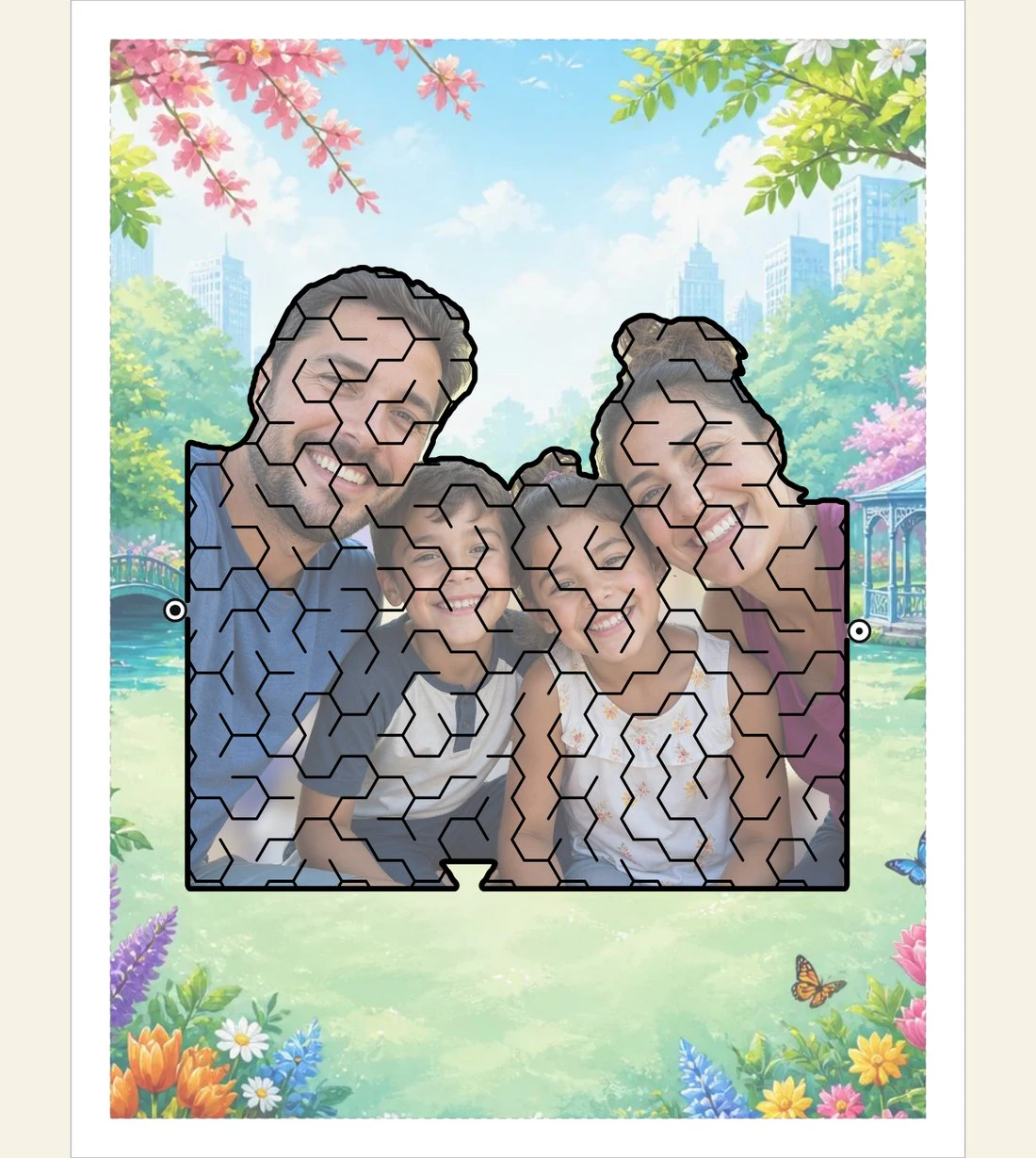

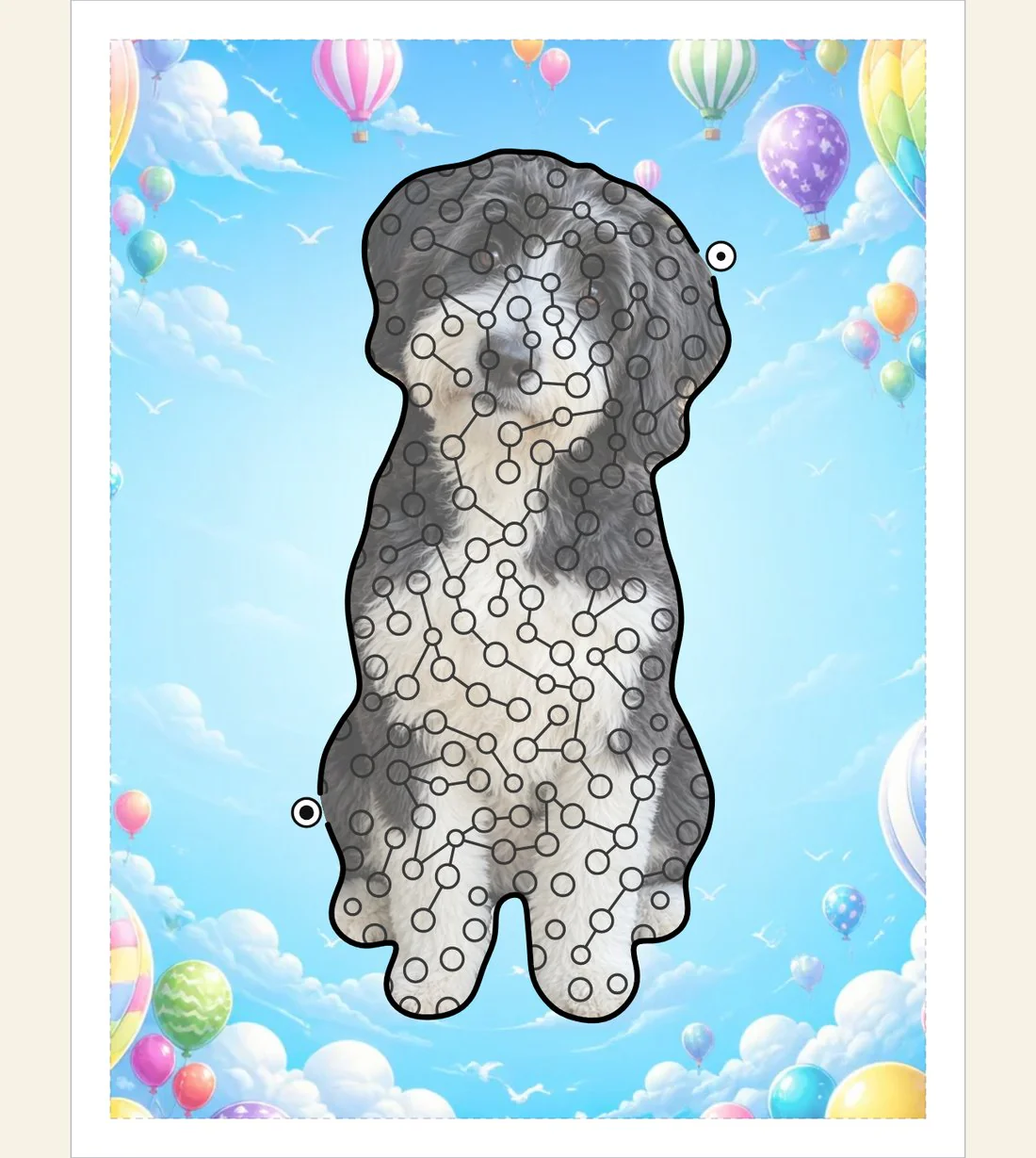
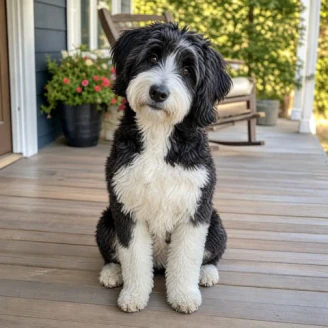
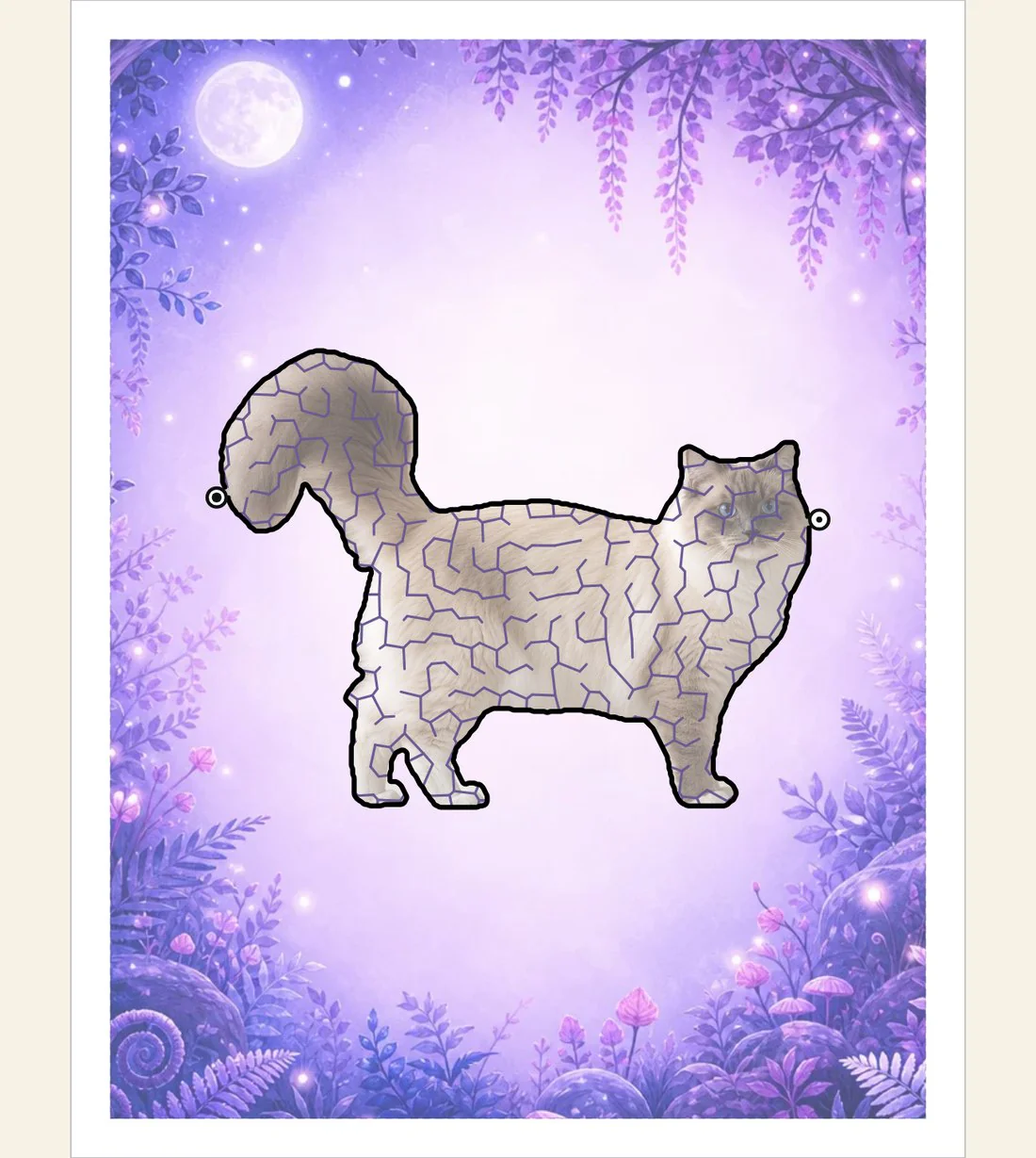
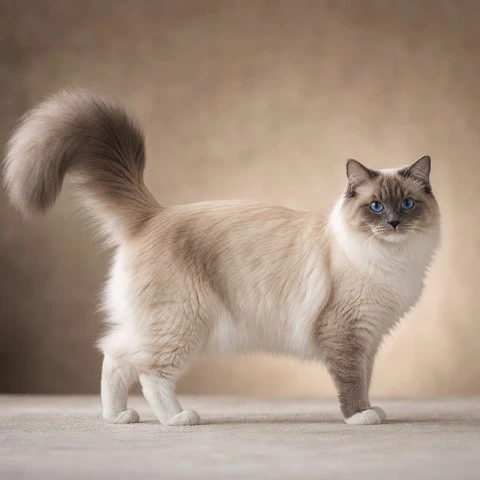
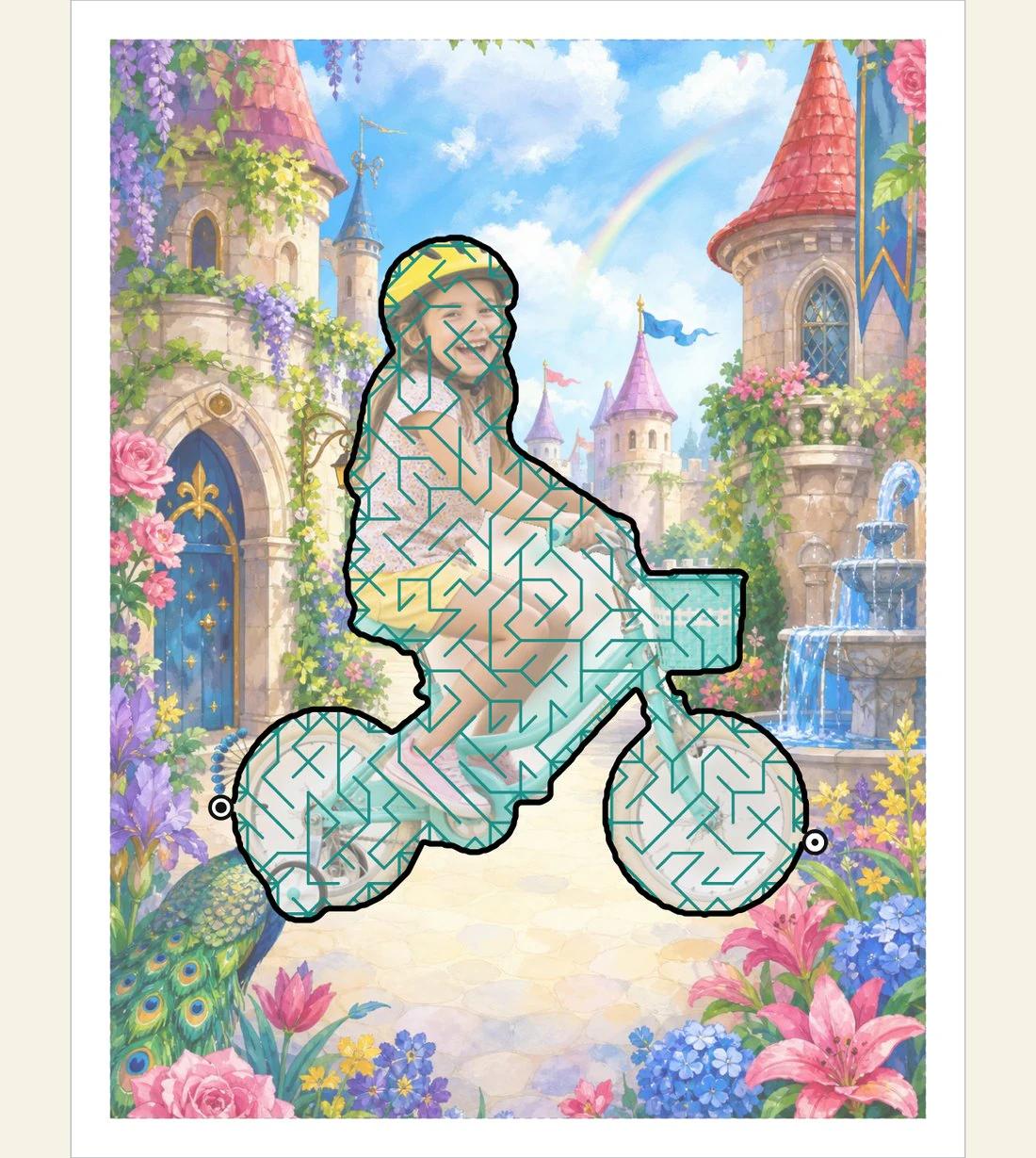

Choose Color or Black and White
Maze Studio color pages look incredible, but the royalties are a little higher with black and white. And these pages are so fun to color! We give you both options. Our library includes hundreds of black and white colorable scenes, for little kids and for older teens and adults, or you can choose to greyscale any of our color pages. You can also generate black and white artwork in a range of colorable styles.
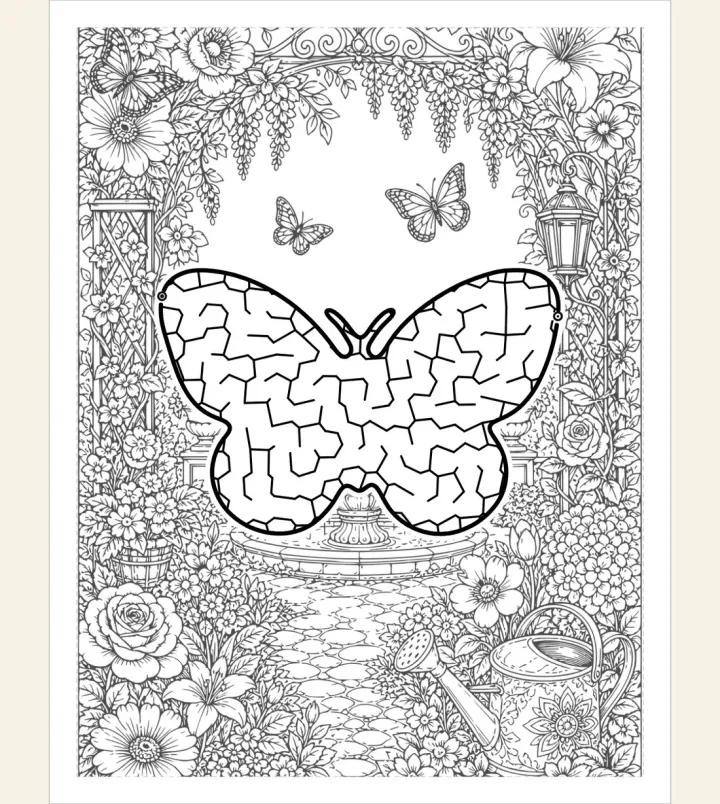
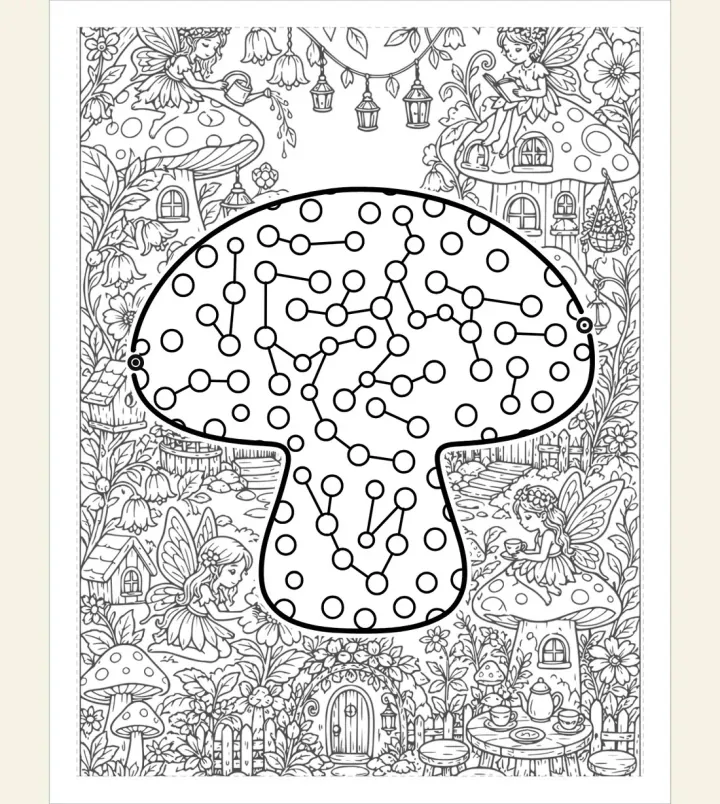
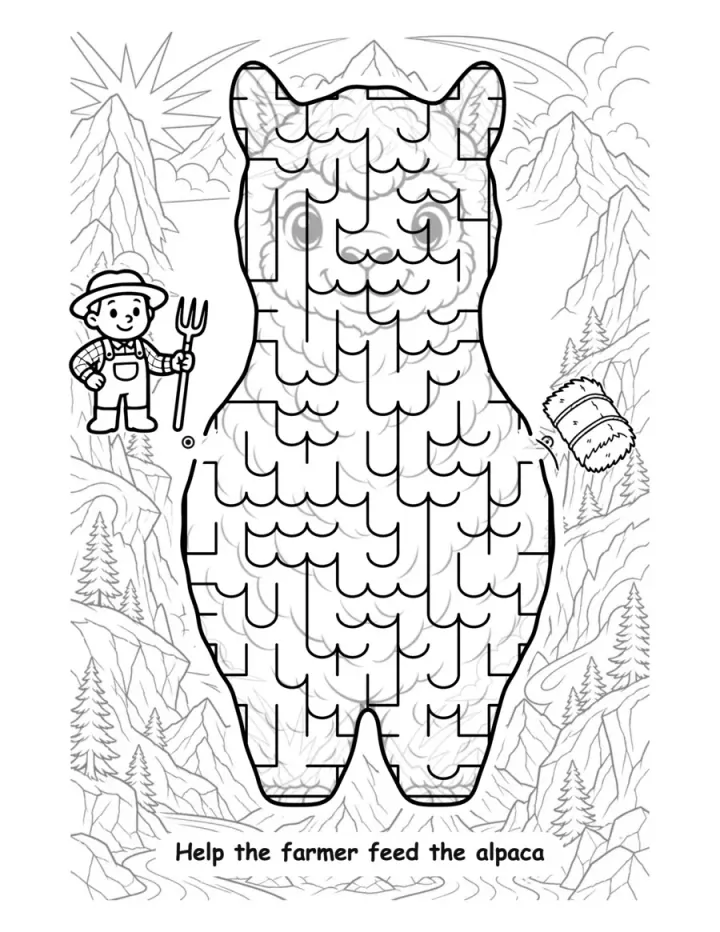
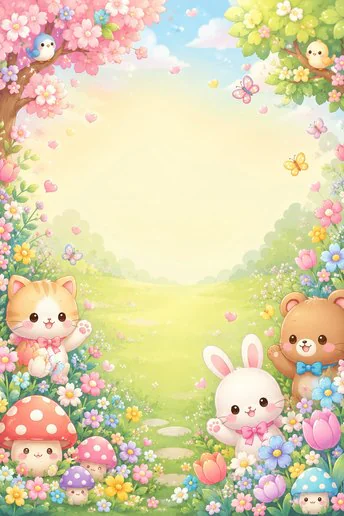
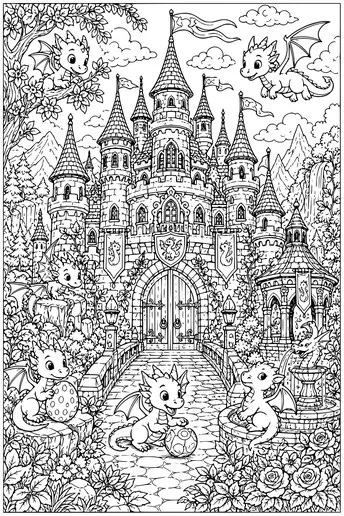
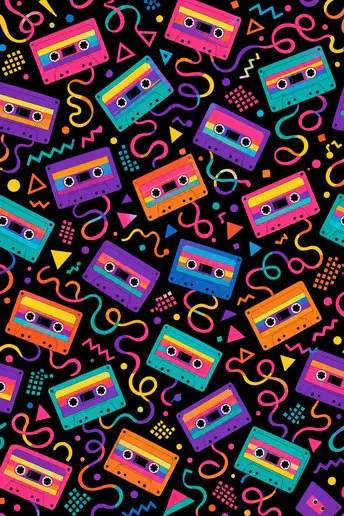
Find your scene, from Storybook to Coloring to Bling and Beautiful!
To get you started, we give you a library of hundreds of scenery and texture options that you may use freely. You can fill a dragon maze with green scales, or put your mermaid maze into a blue ocean. There are simple black and white colorable scenes for little kids, and denser pages for adults and teens. Our library also includes a variety of color scene styles, from storybook to luxury and bling.
For KDP, we recommend using your own artwork, and we make it easy for you. Art generation is built into our Maze Studio and Book Creator, with a transparent credit system. No need to “bring your own key” or fiddle with tricky prompts. You just pick a theme or topic, select a style, and let the magic happen. You can also upload your own images in the Maze Studio.

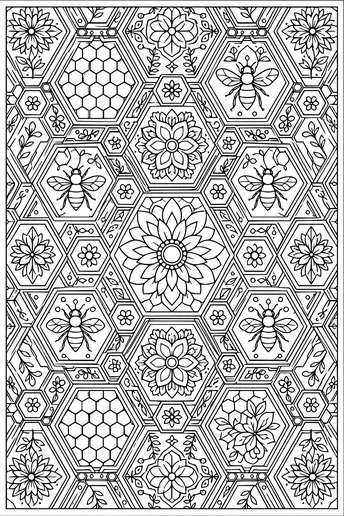
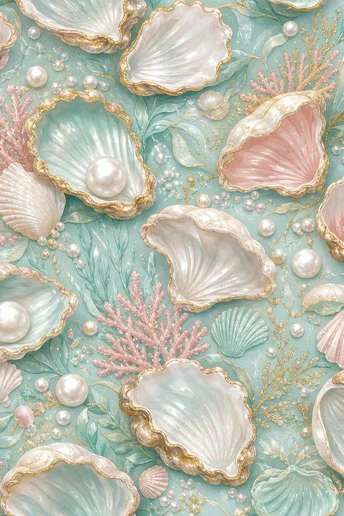
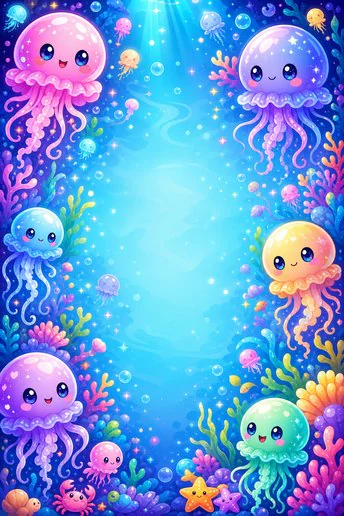
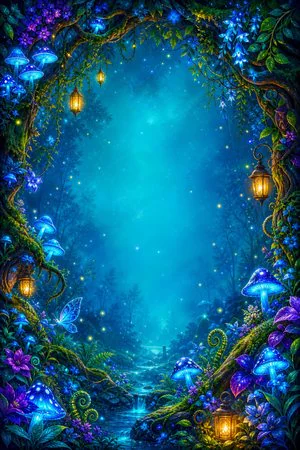
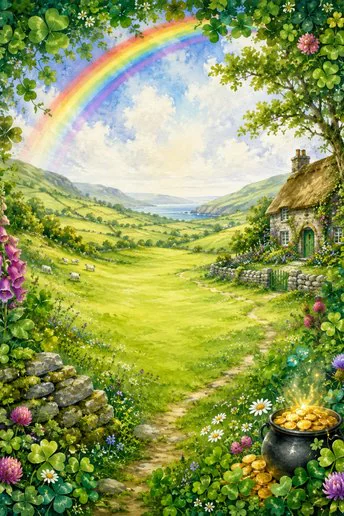
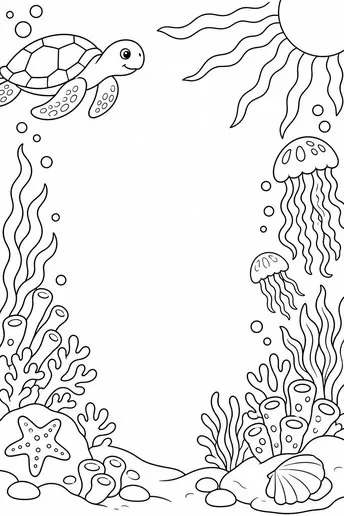

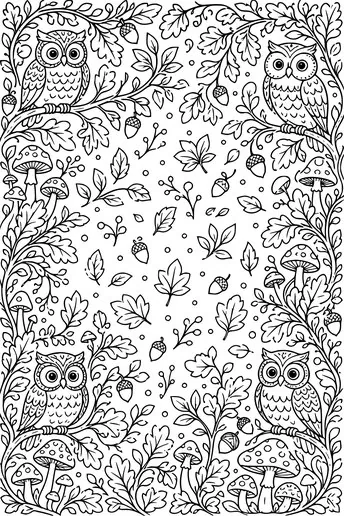






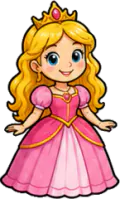
Use 800+ marker pairs and hundreds of stickers to tell stories with your mazes
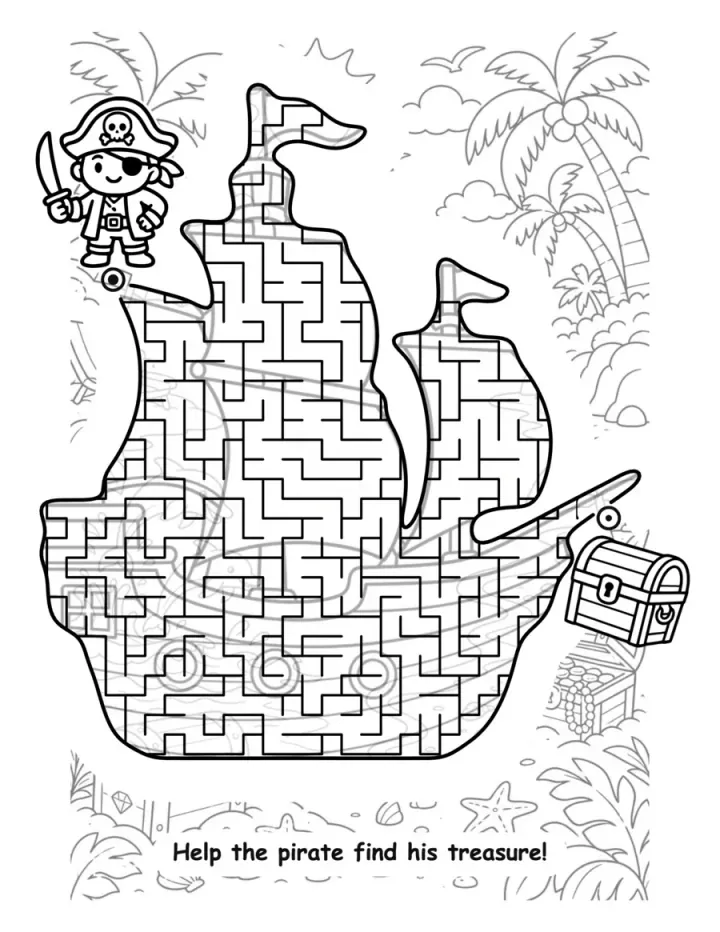
You're not just creating mazes, you're telling little stories and building little worlds. Help the princess find her glass slipper, or help the dino find its egg! You can add markers at the start and end of your mazes, and resize and position them wherever you like.
 →
→














Beautiful Mazes. Professional Pages
Our Library Includes:
2,000 shapes including animals, letters, states and holidays
1,000+ scenes in black and white, plus stickers and hundreds of marker pairs
20+ maze fills including pipe and wall choices and fancy art effects
Easy to Extreme. Five difficulty levels, or customize to your preference
Or generate your own with our easy credits-based AI system!
Sticker Packs and Trails for Cute, Educational Mazes
Choose from 40+ Sticker Packs to decorate your maze, or create trails with one click. Collect all the goodies on your path, spell out a name or help with counting practice!


Algorithmic Maze Engineering. You choose the artwork
Every maze you create in this studio is accurate because it is computed, not generated with AI. The corridors come out of our own engine that we built with love, exclusively for our studio. No other engine is this advanced with real geometry inside any shape, checked for a single connected path from start to the finish (algorithmically, with no AI guessing!) They can always be solved, and this is the hard part we spent so long getting right.
Prefer not to use AI?
Then you can create your mazes on plain backgrounds and upload your own artwork, photographs or scanned drawings to go behind the maze or to fill it.
Is AI acceptable on Amazon?
Yes! The KDP listing process asks which tools you used. You can simply confirm that you used Tangent Maze Studio for your artwork. Amazon prefers original art, so we recommend that you generate new artwork if you are publishing on KDP and don't rely on library images.
KDP requires publishers to disclose AI-generated text, images, or translations when publishing or republishing. You are responsible for reviewing all outputs and following KDP, content, and intellectual-property rules.
How does the AI work?
When you purchase the Maze Studio you get a generous 500 AI credits and 2GB of cloud storage that does not expire. Each illustrated page is just 3 credits, so that is 5 fully illustrated 30-page books to get you started, and room to play. You can buy additional credits at any time, and you can buy more storage when you choose. You can make unlimited mazes, pages and books with library art, including 2,000+ shapes, or with your own art. Credits are only for original generations. We keep the process simple, so there is no "bring your own key" and no fussy prompting: type a few words to say what you want, then pick a style from the gallery.
You can download your generated art at any time and use it in your other projects.
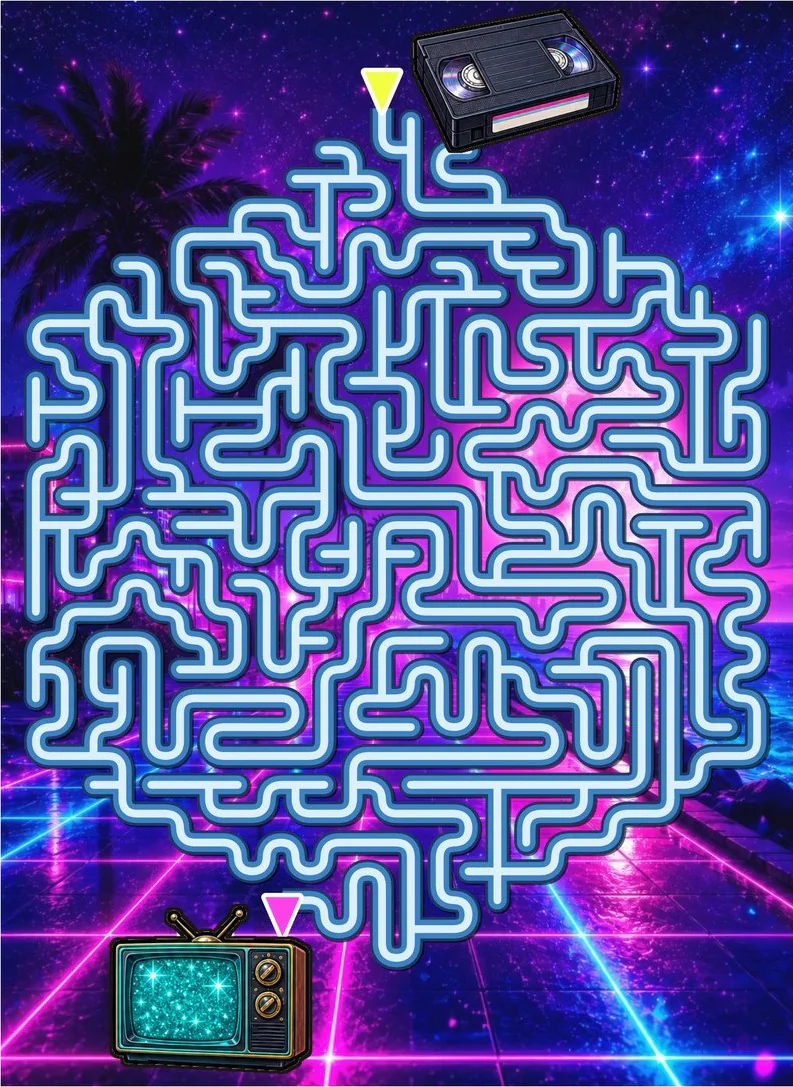
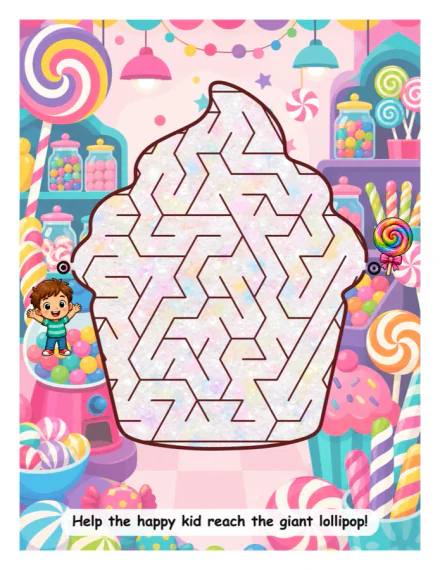
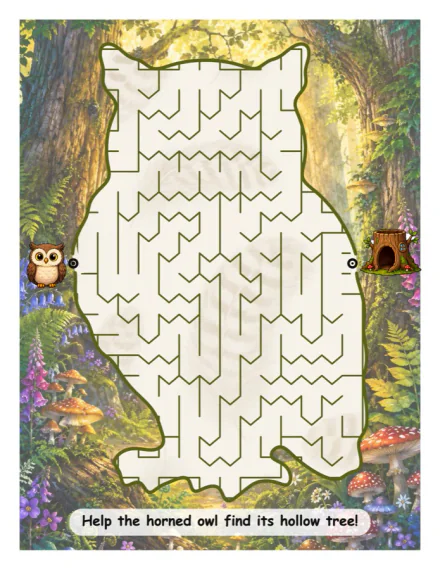
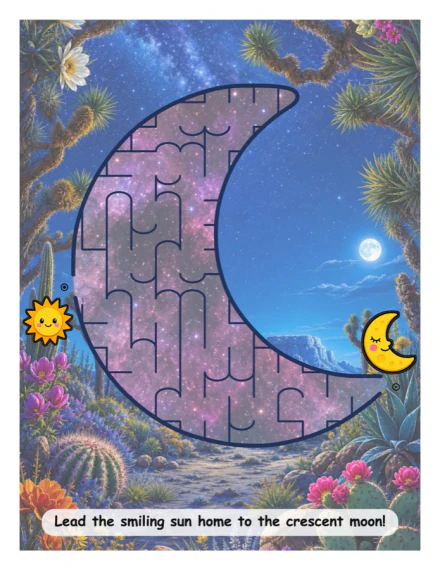
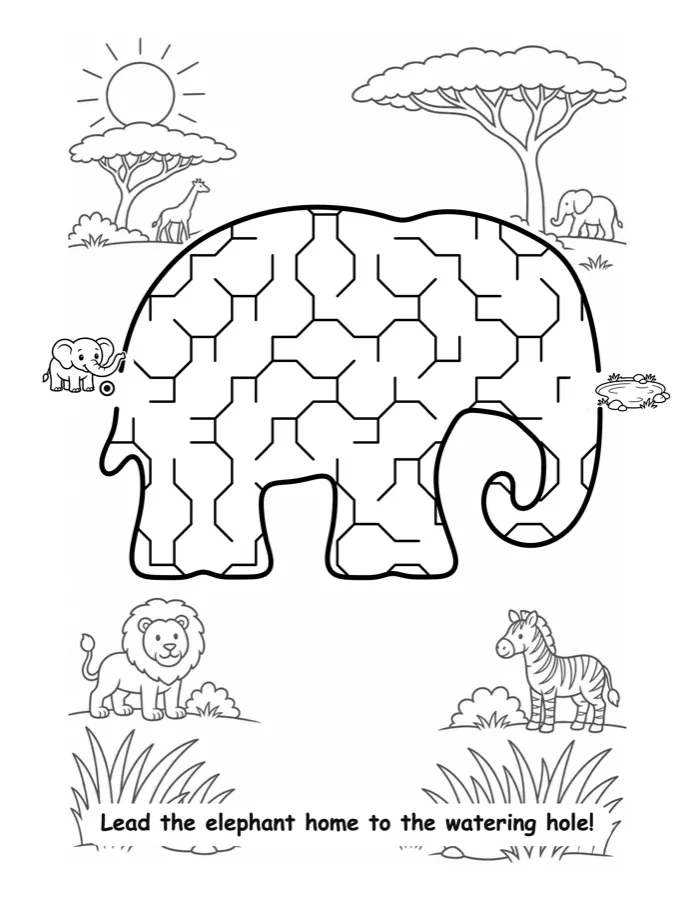
Surprise me! Start with a new maze each time
There's no need to start with a blank slate in Maze Studio. Choose Color or Black and White and hit Surprise Me! to get a random, ready-made maze with library artwork. Different every time and you can enter a theme to guide it. Use as-is or tweak the markers, the scenery, the colors, the caption... designing maze pages gets addictive!
Resale rights for all the mazes you create
Independent Creator Commercial License, included.
Every maze, page and book you create is yours to sell on platforms including Amazon KDP, Etsy, Teachers Pay Teachers or your own site. You do not need to credit us or provide attribution.
We hope your book is super successful and sells a million copies. We'll be there opening the champagne with you 🥳
Your $267 license covers
- You, one individual creator
- Your own KDP, Etsy and TPT books and printables
- Unlimited sales of your own finished products
- Personalized maze listings, made to order on Etsy and similar platforms
Some uses require an enterprise license
- Company, team or staff use
- Established publishing houses, magazines, media, agencies, schools and school districts, studios
- Licensed characters, brands or franchises; white-label or batch production
- Agency or client work for any of the above
Ready? Let's make something beautiful.
Tangent Maze Studio
- The whole studio, forever. Maze Studio, Book Creator and Cover Studio. No sneaky upsells.
- Generous 500 AI credits for additional unique, high quality artwork (enough for five books!)
- Create unlimited mazes! Up to 60 mazes in rapid batches with “Save a Set”.
- Huge artwork library: 2,000+ shapes, 1,000+ images with resell rights.
- Unlimited personalized mazes from photographs or your own artwork.
- Unlimited covers from your own mazes or artwork, or generate with AI!
- Print-ready KDP interiors and covers in popular trim sizes.
- Commercial License: sell everything you make on Amazon, Etsy, TPT or your favorite platform.
- No subscription.
- In-Studio “Ask Zippy” help system and human support at support@tangent.rocks
Secure checkout via PayPal. You'll receive your access details by email.
Companies and teams, licensed characters and brands, agencies, please contact us for enterprise information.
Optional AI for Beautiful Artwork (or use your own!)
When you purchase the Maze Studio, you get a generous 500 AI credits and 2GB of cloud storage, kept for as long as you use your account. Each illustrated page and each cover design is just 3 credits, so you can create 5 fully illustrated 72 page books (30 generated maze pages, plus neutral left pages and a cover), to get started, with a little room to experiment. You can add start and end markers (characters) to each page for an additional 2 credits per pair.
Your 2GB does not expire. If you need more storage, you can upgrade to 10GB for $19.99 per year. If a 2GB account goes six months without a sign-in, stored content may be cleared.
You can buy additional credits at any time.
Two illustrated books
Seven illustrated books
Seventeen illustrated books
Packs are bought once, never on a schedule, and what you buy stays good for twelve months. An illustrated page includes a custom built shaped maze with artwork. Covers cost 3 credits, and start and finish marker artwork is 2 credits per pair.
AI Artwork is optional. We give you 2,000+ shapes, and hundreds of scenes and markers and you can create unlimited mazes. You can also upload your own artwork for free (hand-drawn, generated from Midjourney etc.).
No API keys, no subscription, no surprise upsells.
The Everything Bundle: catch up on ALL our goodies
Tangent Templates, ORIGINS, IMAGINE and our 2026 Smorgdashboard: this is our flagship KDP software, both our recent megacourses and our research bundle. Smorg includes over 100 different products for niche research. ORIGINS includes over 24 hours of creative classes about monetizing AI, and some evergreen classics like Katharyne's unique Magic Matrices class. IMAGINE has another 24+ hours about coloring books, plus Tangent Crystal software for beautiful crystallized pages. This is the whole Tangent universe, and it may be the best $147 you ever spend.
Click any logo for a peek inside
4000+ Years of Mazes
Mazes are one of the most popular and loved puzzle types, but are woefully underserved on Amazon. That's all about to change and you can be first in line.

Egyptian Pyramids
The Hawara temple labyrinth complex was marveled over for centuries.

The Cretan Labyrinth
Enough to contain an angry Minotaur!

Chartres Cathedral, France
Medieval pilgrims would walk the labyrinth as a sacred substitute pilgrimage if they were unable to travel.

Hampton Court, England
The beautiful hedge maze was planted more than 300 years ago and still brings joy to visitors.

TANGENT MAZE STUDIO!
We solved complex geometric challenges to bring you gorgeous mazes in any shape. This technology has never been available like this!
Beautiful mazes have been a tough nut to crack. Maze generators exist, but they give you sterile paths in simple shapes and they all look the same. Creating artistic publish-ready mazes has been reserved for larger publishers with illustrators on hand, and very few look as good as this. Tangent Maze Studio opens it all up for you - the small publisher. Now you can create a unique, consistent maze book for a few dollars, that looks like it cost thousands.

Who is Tangent?
Tangent is Katharyne Shelton and Isaac Gonzalez, a friendly and creative couple from San Diego, California. They are the brains behind Tangent Templates (the premier publishing tool for KDP) and a wealth of software and education solutions for entrepreneurs, creators and publishers including Smorgdashboard, Tangent Crystal, Imagine with Katharyne and Origins. They are always around to chat and answer questions. Send us a message at support@tangent.rocks.
Questions, answered
What happens after I buy?
Checkout runs through PayPal, and your access details arrive by email at the address on your PayPal account. If nothing lands, peek in spam, then write to support@tangent.rocks and we will sort you out fast. Everything runs in your browser, so there is nothing to download or install.
Do I need an AI account or API key?
No. There are no API keys, no separate AI accounts and no clever prompting required. Our art generation is built in and on a credit-based system: you type a word or two to describe your topic, pick a style you like from our gallery, and press the button. You can buy more credits as you need them. If you like to create artwork with Midjourney or another tool, you can upload it here for free!
What exactly is an AI credit?
A fully illustrated page containing a shaped maze is 3 credits. Cover artwork is also 3 credits for one design. You may also add in a marker pair (cute characters that mark the start and end of the maze) for 2 credits, and you can also optionally generate sticker packs to illustrate your pages. An illustrated 72 page book with 30 maze pages, left side patterns and a cover design is just 93 credits. You start with 500 credits, enough for five books.
Extra packs are 200 for $9, 700 for $24 or 1750 for $49, only if you want them, and purchased credits stay valid for twelve months. Alternatively, you may upload your own artwork, or use artwork from our extensive library. That won’t cost any credits!
How does storage work?
Every account gets 2GB of cloud storage that does not expire, which holds a great many mazes and books. If you need more room, 10GB is $19.99 a year. One condition keeps the free tier free: if an account goes six months without a sign-in we may remove the content stored in it, so keep your own copy of anything you would hate to lose. Everything you make can be downloaded at any time, and your artwork and books are yours whether they live on our servers or your own computer.
Is this a subscription?
No. $267 once, and nothing charges you automatically, ever. Credit packs and storage renewal are the only optional extras, and both wait for you to choose them.
Do I really own everything I make?
Yes. The Independent Creator Commercial License means every maze, page and book you create is yours to publish and sell, in unlimited quantities, with no royalties. Publish on KDP, sell on Etsy or Teachers Pay Teachers, create personalized maze listings, put your name on it. The only things outside this license are company or team use, client, agency or employer work, and licensed-brand production; those need an enterprise license.
Can I sell personalized, made-to-order mazes?
Yes, and your license covers it. Take a customer's name, phrase or photograph, turn it into a maze, and deliver it as a printable, a framed gift or a book page. Personalized listings on Etsy and similar platforms are one of the emptiest corners of the market right now.
Can my company, team or clients use it?
The $267 license is for one independent creator making their own products. If you want to use it for client work, inside a publishing company, agency, school district or studio, or with licensed characters and brands, contact us at support@tangent.rocks for enterprise information instead.
How do word mazes work?
Type any word, name, phrase or emoji. Each letter is carved into maze corridors and the letters are bridged into one connected puzzle, with the solution guaranteed to pass through every letter. Pick from twelve chunky display fonts, then dress it with scenery, characters, stickers and effects like any other maze. Word shapes save to your library and rebuild identically every time.
Can I really use my own photos?
Yes. Upload a photo and the studio removes the background automatically, turning the subject into a maze silhouette. Clean SVG silhouettes work best of all, and clip-art and line-art uploads work too. There's also the picture-inside option, where the subject's artwork glows faintly inside the corridors.
How long does a book take?
You should be able to create a full book in half an hour. Planning your book is easy: decide on a theme, choose the types of maze you would like in your book (wall, pipe or both) and pick the art styles you like. The Book Creator then proposes a plan, which you can edit or approve. This step usually takes less than 30 seconds.
You can either upload your artwork or generate it. Generating a 30 page book takes roughly 12 to 15 minutes, and pages appear as they finish. This is a great time to go and get a nice cup of tea or coffee. A 30 page book created from uploaded artwork takes approximately 10 minutes.
Finally, check your mazes carefully and export the PDF. Exporting takes a few minutes. The whole process should be finished in about 30 minutes, but allow a little extra time for processing if the servers are particularly busy.
How much does a maze book cost to create with credits?
Spending credits is optional. To make a book without spending credits, you can upload your own artwork from any platform, including Midjourney or ChatGPT, or artwork that you have hand drawn. You can also use images from our extensive library of art for free (though we do recommend original artwork for KDP). If you generate artwork for your book, expect to spend 3 credits per page and 3 credits for your cover. Adding custom generated start and finish markers is an additional 2 credits per page, so a 30-page book with markers and a cover comes to 153 credits.
Our artwork is high quality, but you can always choose to regenerate any image for 3 credits.
Do the books include solutions?
Yes. The Book Creator handles the whole interior: a title page, a "How to Solve" page, a caption on every maze, and answer keys collected at the back. You can also flip any maze to its solution view in the studio with one click.
How accurate are your mazes?
The mazes themselves are algorithmically generated (not created with AI) and tested across tens of thousands of generations; they are always solvable. Our mazes also have a high level of accuracy across difficulty levels and dozens of other important elements. Each maze is randomly generated to give you unique puzzles. Before printing, we recommend an easy check to ensure you are happy with the layout: just turn on the solution path and follow it with your eye or finger. If you want a new layout, click the Redraw button. Redrawing mazes is near-instant and free.
Generating shapes and artwork for your maze uses AI, which by nature includes a degree of uncertainty. To give you the best results, we use strong, high-quality AI models and specific style options that you control. We are confident that the vast majority of generations you create will delight you; however, you should expect that occasionally you may feel an image should be regenerated, either because of taste or because the shape isn’t well suited to a maze. We do our best to guide the system towards the best results, and we keep the cost of credits low with the expectation that you may occasionally choose to reroll your artwork.
Occasionally, the geometry of a shape may make it unsuitable for certain fills. In particular, you may notice that very easy difficulty levels can leave blank gaps in skinny shapes (the legs of a horse or the neck of a giraffe, for example), where the chunkiness of the puzzle means it will not easily fit. This can be corrected by increasing the detail level slightly or choosing another shape or fill style.
Can I make black & white books for cheaper printing?
Yes! There's a whole black & white art library, including 200 dense coloring-style scenes, and the book export handles B&W interiors, which are the cheapest to print on KDP.
What sizes can I publish?
The five most-used KDP trims: 8.5×11, 8.5×8.5 square, 6×9, 8×10, plus a Kindle Scribe format, with mirrored gutter margins and even page counts handled automatically. E-Ink navigation for reMarkable and Kindle Scribe printables is one click.
What do I need to run it?
A computer (Mac or Windows) with the Chrome browser; it is built for a proper screen rather than a phone. Books export as standard PDF and SVG files that work with KDP's uploader and with Tangent Templates.
Do you offer refunds?
Generally we do not offer refunds, as this is a digital product. We aim to show you accurate and realistic depictions of what it does, including video, and we have an excellent reputation for quality software built over more than a decade. We want you to be successful, so if you have any problems or difficulties, write to us at support@tangent.rocks and we will be happy to work with you.
How is this different from Tangent Templates?
Tangent Templates is our flagship all-purpose KDP book software; Tangent Maze Studio is a complete maze-book studio with its own Book Creator and Cover Studio built in, so you need nothing else to publish. They also work together: export your mazes as SVG or PNG and drop them straight into Tangent Templates. And if you want both, the Everything Bundle above adds Tangent Templates, ORIGINS, IMAGINE and Smorgdashboard for $147.
We built Maze Studio because we couldn't stop playing with it, and we genuinely cannot wait to see the beautiful things YOU make with it. Questions? We're at support@tangent.rocks and we'll be more than happy to help.
We hope you love Tangent Maze Studio!
Katharyne & Isaac